

GDPR tools and client data
Go to System → Settings → Clients → Privacy, enable Turn on the privacy tools, and select Update.
Download data or request deletion
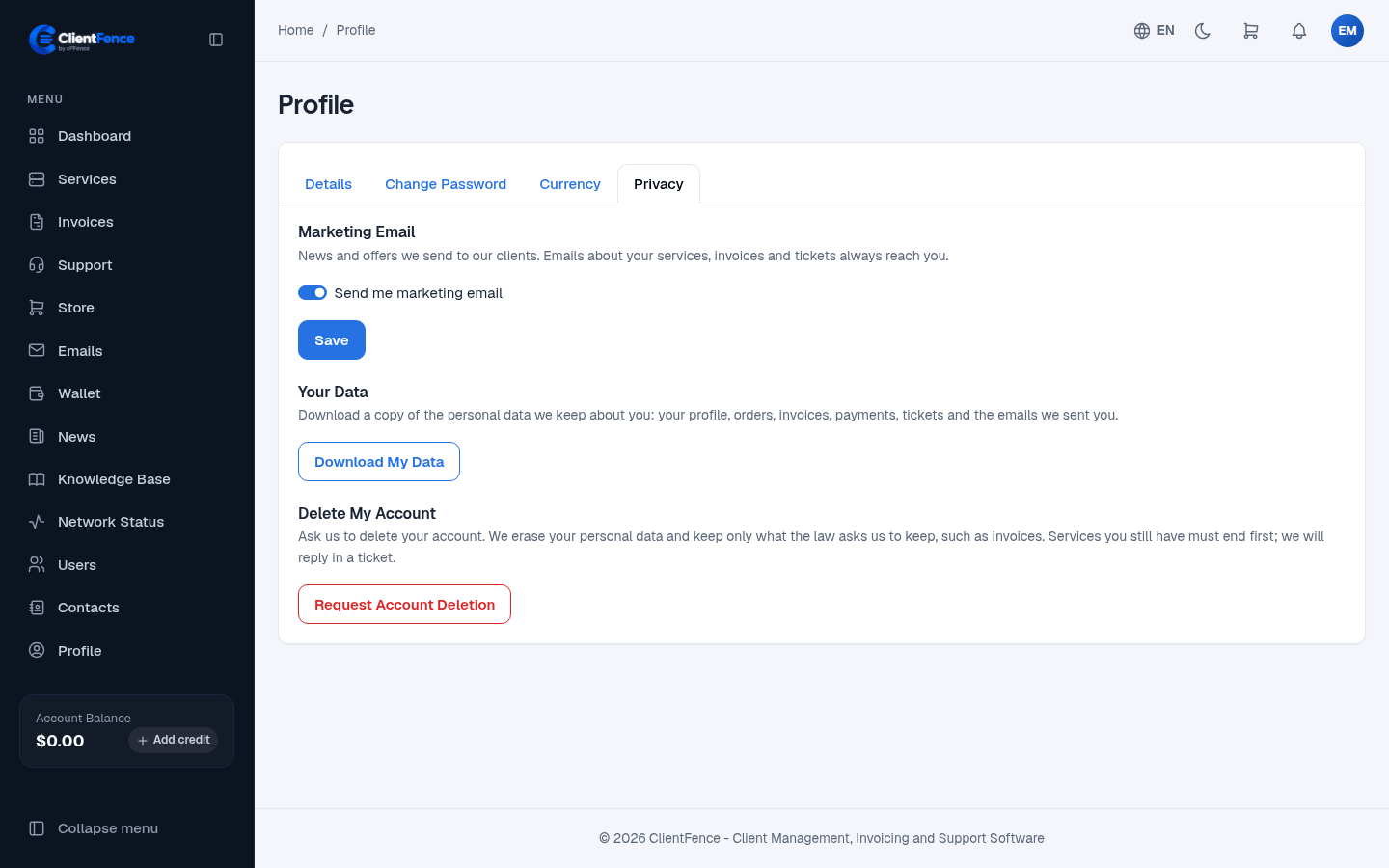
Section titled “Download data or request deletion”- As the account owner, open Profile → Privacy.
- Select Download My Data to save a JSON copy of the account’s data.
- To ask for deletion, select Request Account Deletion and confirm. ClientFence opens a support ticket so staff can review and reply.
Export or anonymize an account as staff
Section titled “Export or anonymize an account as staff”Open the client’s Profile and select Export Data to download their data. To anonymize the account, end its active, pending, or suspended services and settle or cancel unpaid invoices first. Select Anonymize, read the confirmation, and proceed only when you’re ready to remove their identifying details and sign-in access permanently. Orders, invoices, and payments stay in your records.
Enable Turn on the marketing email opt-out separately if clients should be able to unsubscribe from marketing. Invoices, ticket replies, and sign-in email still go out.