

Database backups
Once a day the cron makes a backup of the whole database. You choose where it goes: kept on this server, sent by SFTP/FTP, sent by email, or any mix.
Turn on backups
Section titled “Turn on backups”- Go to System → Settings → System and open the Database Backups tab.
- Fill in a method (Backups on this server, SFTP/FTP or email).
- Select Save & Activate. ClientFence tests the connection first.
- Optional: select Run backup now and check the result at the top of the tab.
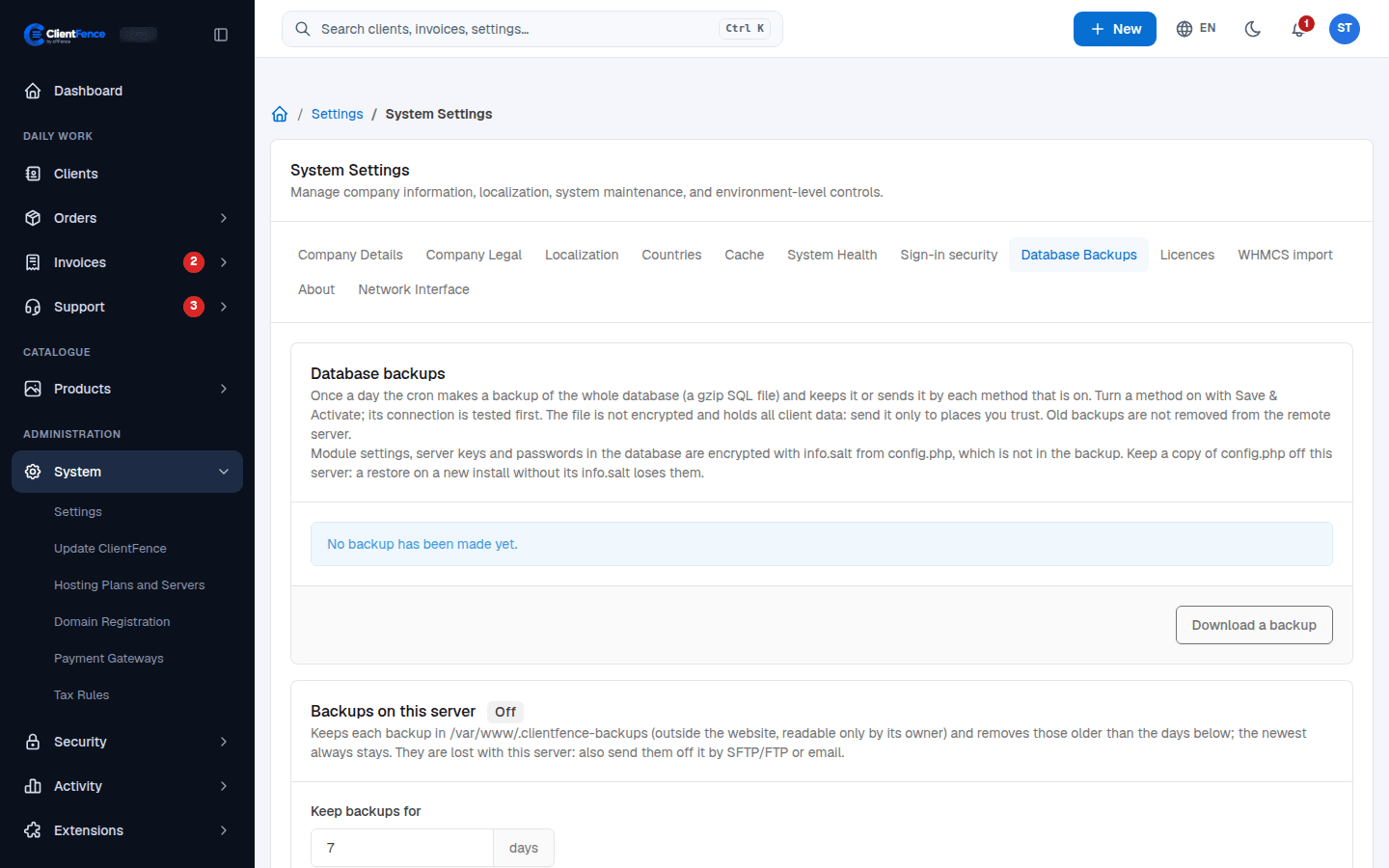
Download a backup gives you a fresh copy at any time.
After enabling a destination, select Run backup now and check the result in Database Backups. Confirm you can retrieve the file from the destination. Remote copies are kept according to your storage provider’s retention settings.