Reconcile payment transactions
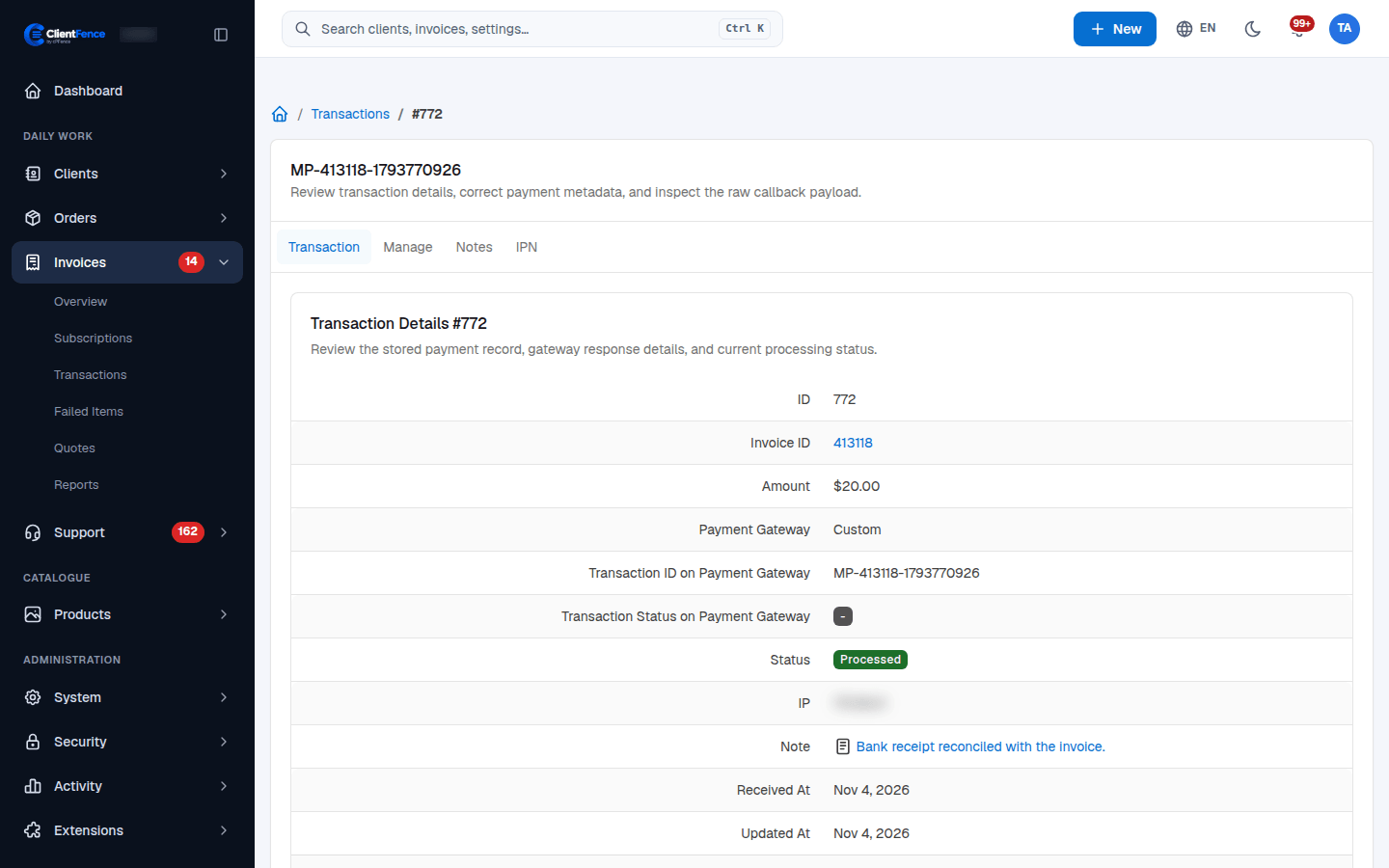
Use Invoices → Transactions to investigate a payment that did not reach its invoice.
- Find the transaction using its gateway reference, invoice or status, then open it.
- On Transaction, compare Invoice ID, Amount, gateway reference and gateway status with the provider’s record.
- Open IPN to inspect the received callback. Record your findings on Notes → Update Note.
- If the payment is verified and its details are wrong, correct them on Manage → Update Transaction.
- Select Process, then check both the transaction status and the invoice’s payment history.
Keep Validate IPN enabled for gateway callbacks. A callback’s arrival alone does not prove payment. Confirm the payment at the provider before retrying; never add another payment just to clear an error.
For returning money, use Refunds.