Manage recurring subscriptions
A subscription is a recurring payment agreement at a gateway. A service’s renewal schedule and invoices are separate records.
- Go to Invoices → Subscriptions and find the client or gateway subscription reference.
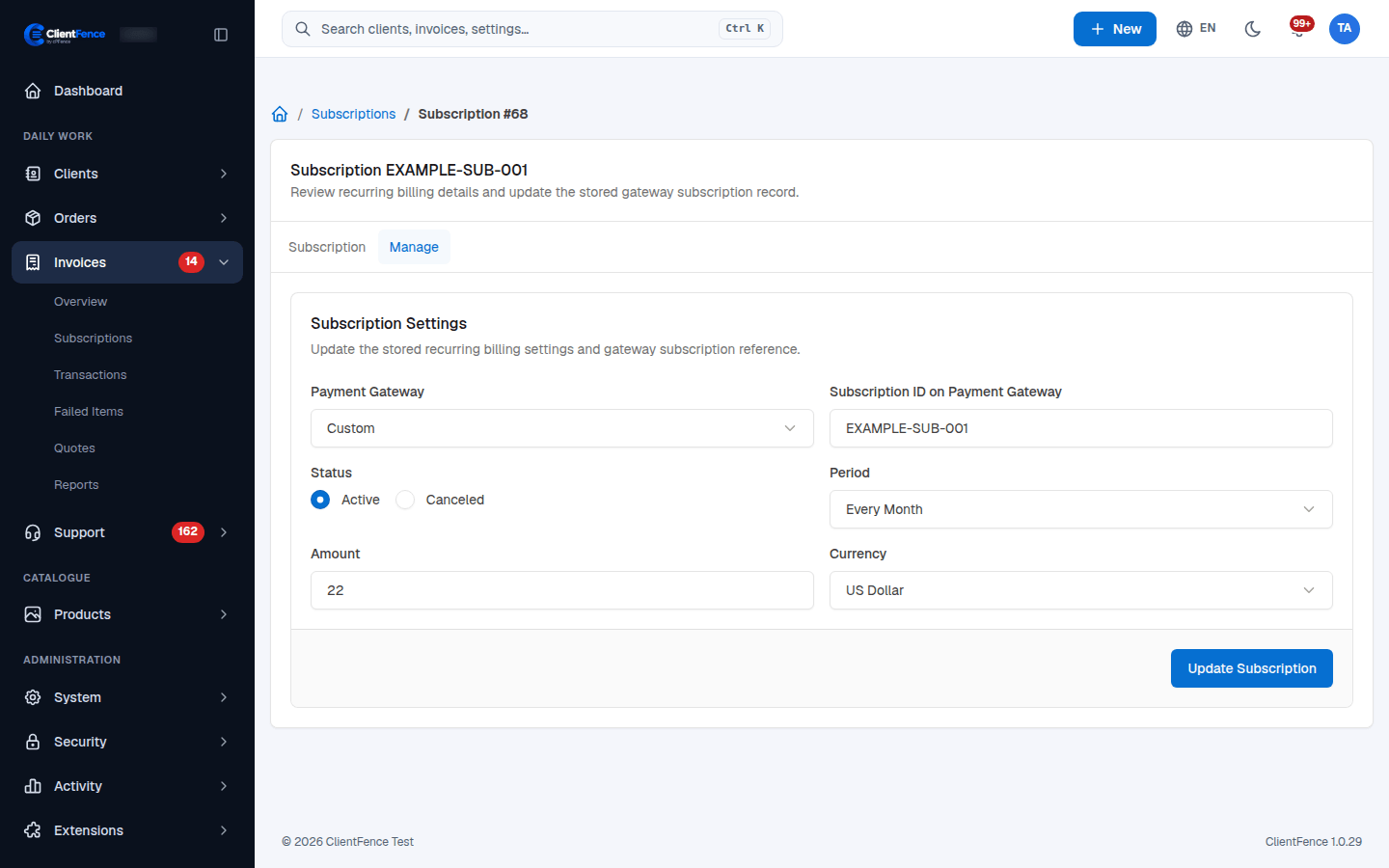
- Open the record. Check the client, gateway, amount, currency and status on Subscription.
- Use Manage to correct the stored reference, period or amount, then select Update Subscription.
- To cancel immediately, choose Canceled and update. ClientFence asks the gateway to cancel; the gateway must support cancellation and the reference must be valid.
Changing a stored amount does not change the agreement at the provider. Check the provider before expecting a different recurring charge. Bulk price updates also flag subscriptions that retain an old amount.
Delete removes the local record; it does not cancel the agreement at the provider. Confirm cancellation before deleting. A scheduled gateway cancellation is shown separately; do not override its synchronized status without checking the provider.