

Invoice settings
System → Settings → Invoices controls how ClientFence makes and sends invoices. Change what you need and select Update Settings.
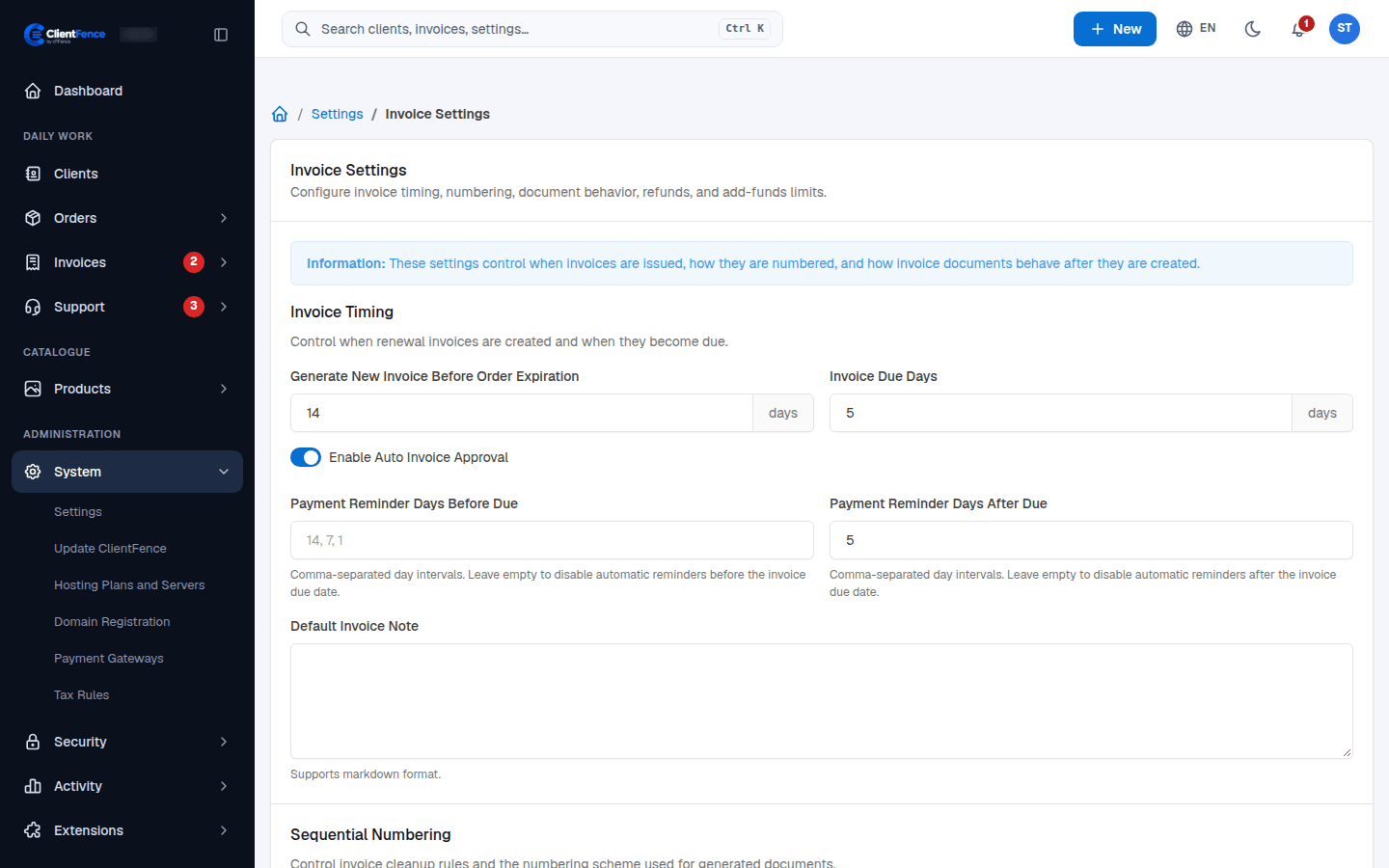
| Setting | What it does |
|---|---|
| Generate New Invoice Before Order Expiration | How many days before a service expires its renewal invoice is made. |
| Invoice Due Days | How many days the client has to pay a new invoice. |
| Enable Auto Invoice Approval | New invoices go to the client at once. When off, they wait until you select Approve on the invoice. |
| Payment Reminder Days Before Due / After Due | When reminder emails go out, as days separated by commas, such as 7, 1. Leave empty for no reminders. |
| Default Invoice Note | Text added to every new invoice. |
| Remove Unpaid Invoices After | Removes old unpaid invoices after this many days. Renewal invoices for active or suspended services stay. 0 keeps unpaid invoices. |
| Invoice Prefix / Series, Paid Invoice Prefix / Series, Next Paid Invoice Number, Invoice Number Padding Length | How invoice numbers look. A paid invoice gets the next paid number. |
| Document Format | Letter or A4 for the invoice page and PDF. |
| Allow Access Without Authentication Using Invoice Hash | Lets anyone with the invoice link open it without signing in, for Invoice hash lifetime (days). |
| Attach PDF Copy to Invoice Emails | Adds the invoice PDF to invoice emails. |
| Refunds Logic | What a refund makes. See Taxes and credit notes. |
| Add Funds Settings | Turns the client wallet on or off and sets its limits. See Wallet and account credit. |
Below the form, Payment receipts go to picks the help desk for receipt tickets (see Invoices). It has its own save button.