

Handle service cancellation requests
Clients can ask to cancel an active service now or at the end of its billing period. ClientFence pauses new renewal invoices for the service while its request is pending.
Request or withdraw a cancellation
Section titled “Request or withdraw a cancellation”- In the client area, open the service under Services and select Request Cancellation.
- Set Cancellation Type to Immediate or End of billing period when an expiry date is available. Enter a Reason and select Request.
- To keep the service while the request is pending, select Withdraw Request on the service page and confirm.
Review requests as staff
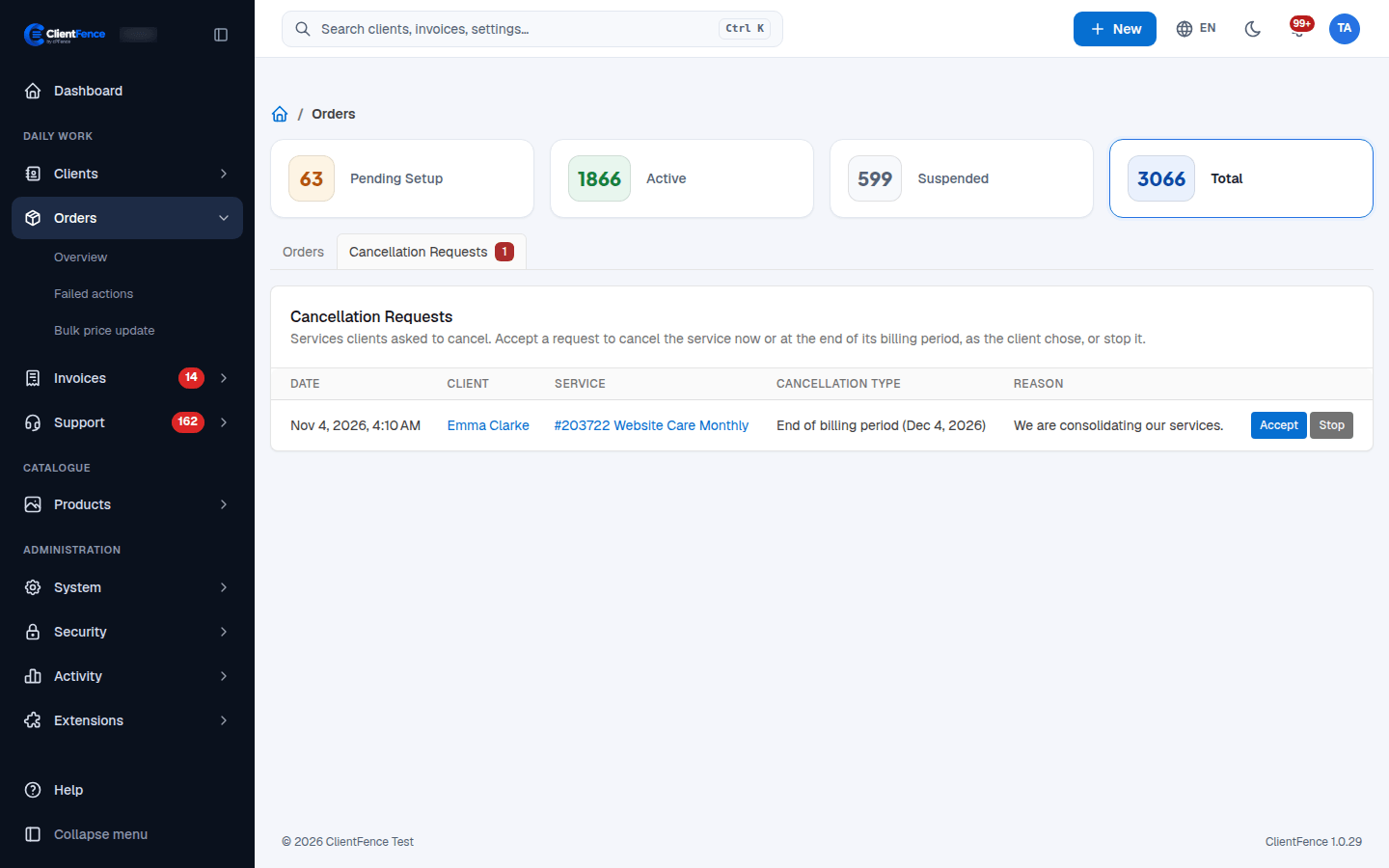
Section titled “Review requests as staff”- Go to Orders → Cancellation Requests.
- Select Accept to cancel now or schedule cancellation, according to the request. Select Stop to close the request and keep the service.
- For a PayPal subscription, cancel the recurring payment in PayPal as well. A payment PayPal still takes for the cancelled service goes to the client’s credit.
To process waiting requests automatically, go to System → Settings → Orders. Set Cancellation Requests to Processed automatically and save. The daily cron processes them.