

Failed order actions
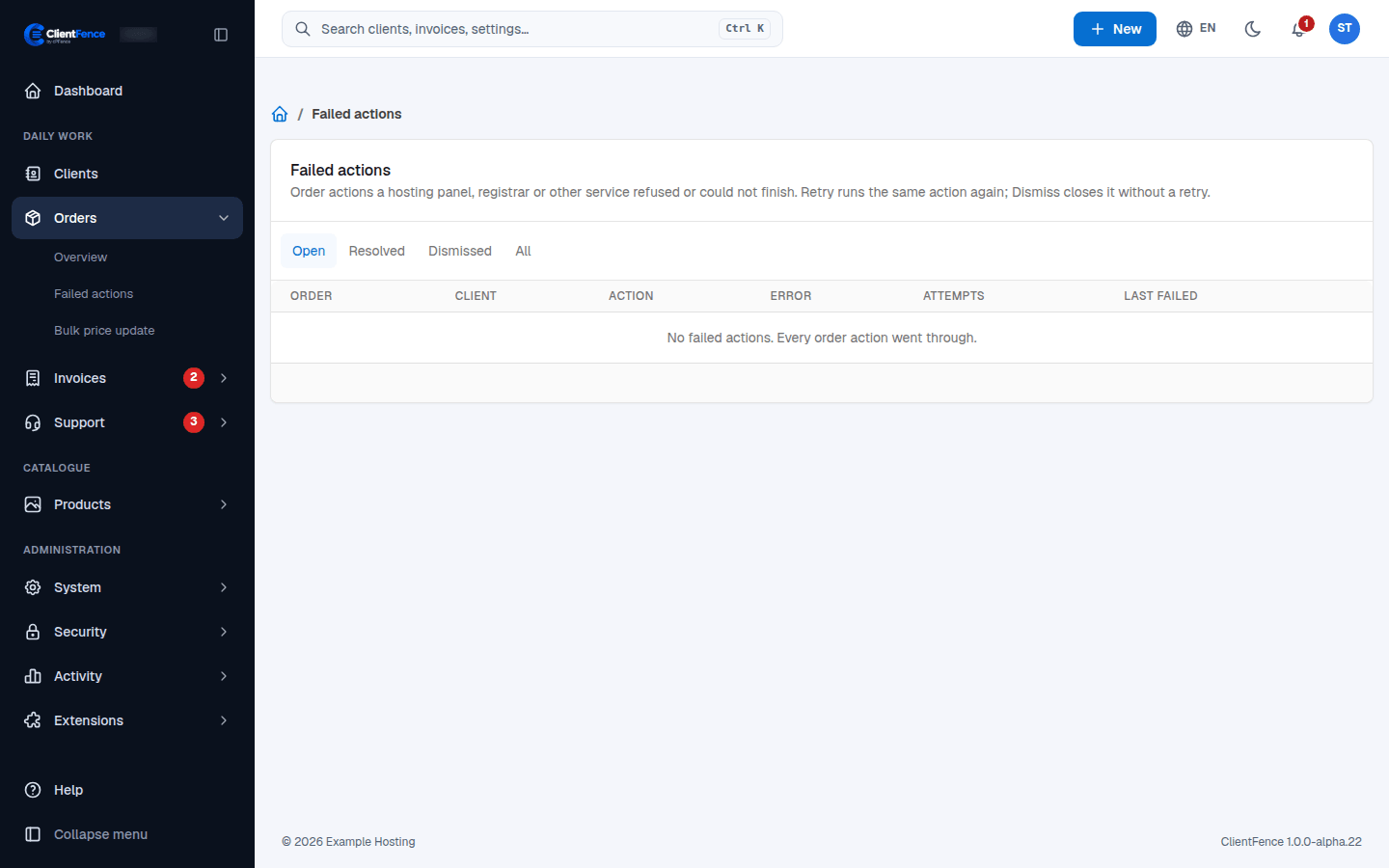
When ClientFence sends an order action to a service (a hosting panel, a registrar…) and the service refuses it or cannot finish, the action is listed under Orders → Failed actions. Nothing is retried on its own; staff decide.
You hear about a new failure by email, in the dashboard alerts and on the order’s page.
Handle a failed action
Section titled “Handle a failed action”- Go to Orders → Failed actions. The Open tab shows the order, client, action, error, number of attempts and when it last failed.
- Read the error and fix the cause, for example on the server.
- Choose one:
- Retry runs the same action again against the service now.
- Dismiss closes it without running it again. Fix the service by hand first if needed.
| Tab | What it lists |
|---|---|
| Open | Failures waiting for staff. |
| Resolved | Failures that went through on a later try. |
| Dismissed | Failures closed without a retry, by staff or by a later action. |
| All | Everything. |
For an Enhance status mismatch, correct the subscription or service in the appropriate system first. Retry checks the status again. For a setup failure, fix the original error and retry the provisioning action. See Enhance servers.
For invoice item tasks that exhausted their retries, use Failed invoice tasks. They have a separate re-queue workflow.