

Staff announcements with Notification Center
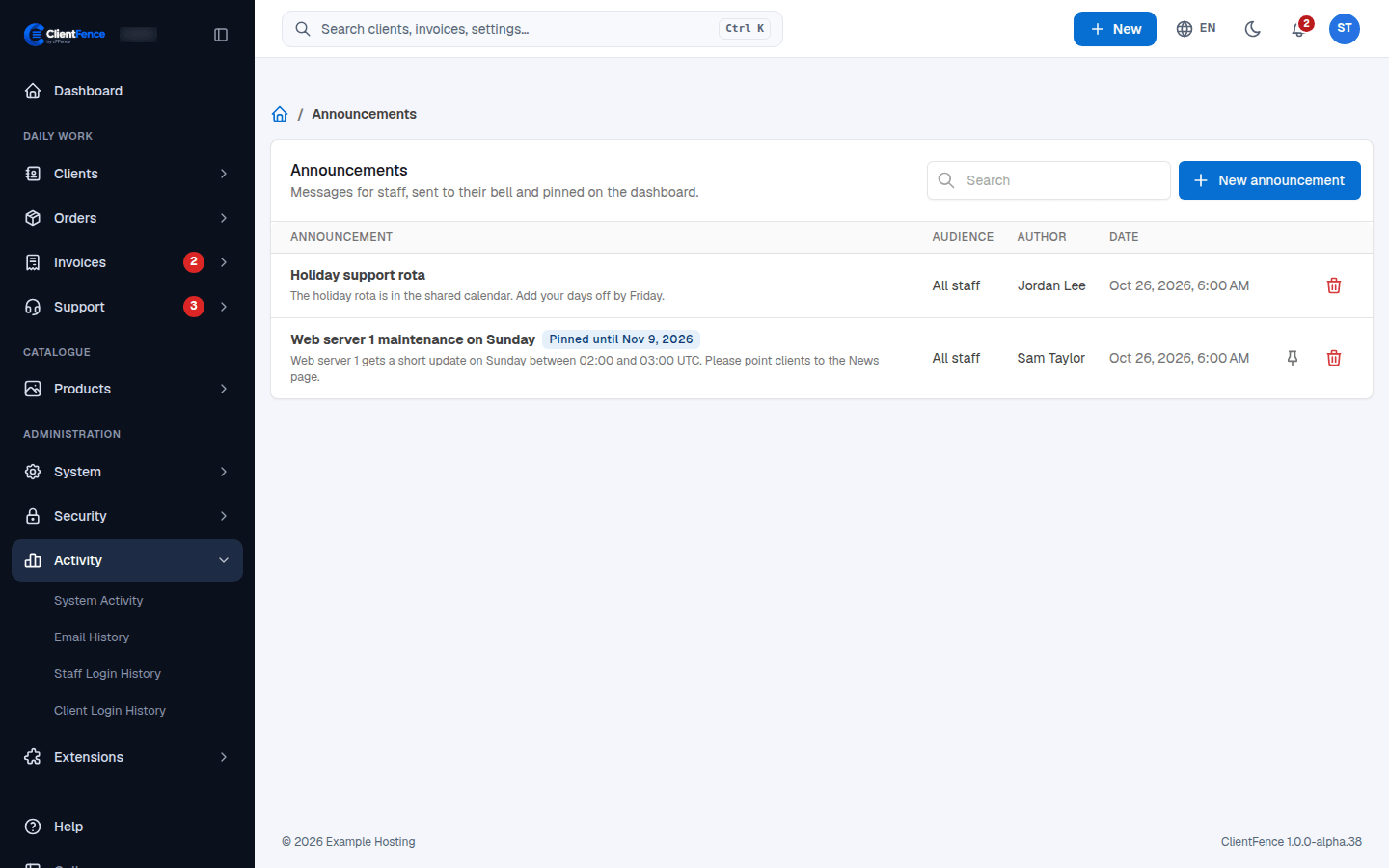
Notification Center lets you post announcements for your staff, such as planned maintenance or a holiday rota. Each one reaches the staff members’ bell, and it can stay pinned on their dashboard. If it is off, turn on Notification Center in Extensions → Overview first.
Post an announcement
Section titled “Post an announcement”- Open the Announcements page at
/admin/notification(an announcement in the bell and View all on the dashboard also lead there). - Select New announcement.
- Fill in the Title (up to 120 characters) and the Message (plain text, up to 2000 characters; line breaks are kept).
- Choose the Audience: All staff or Chosen staff members.
- Optional: pick a date in Pin on the dashboard until. Leave it empty to not pin it.
- Select Post.
What staff see
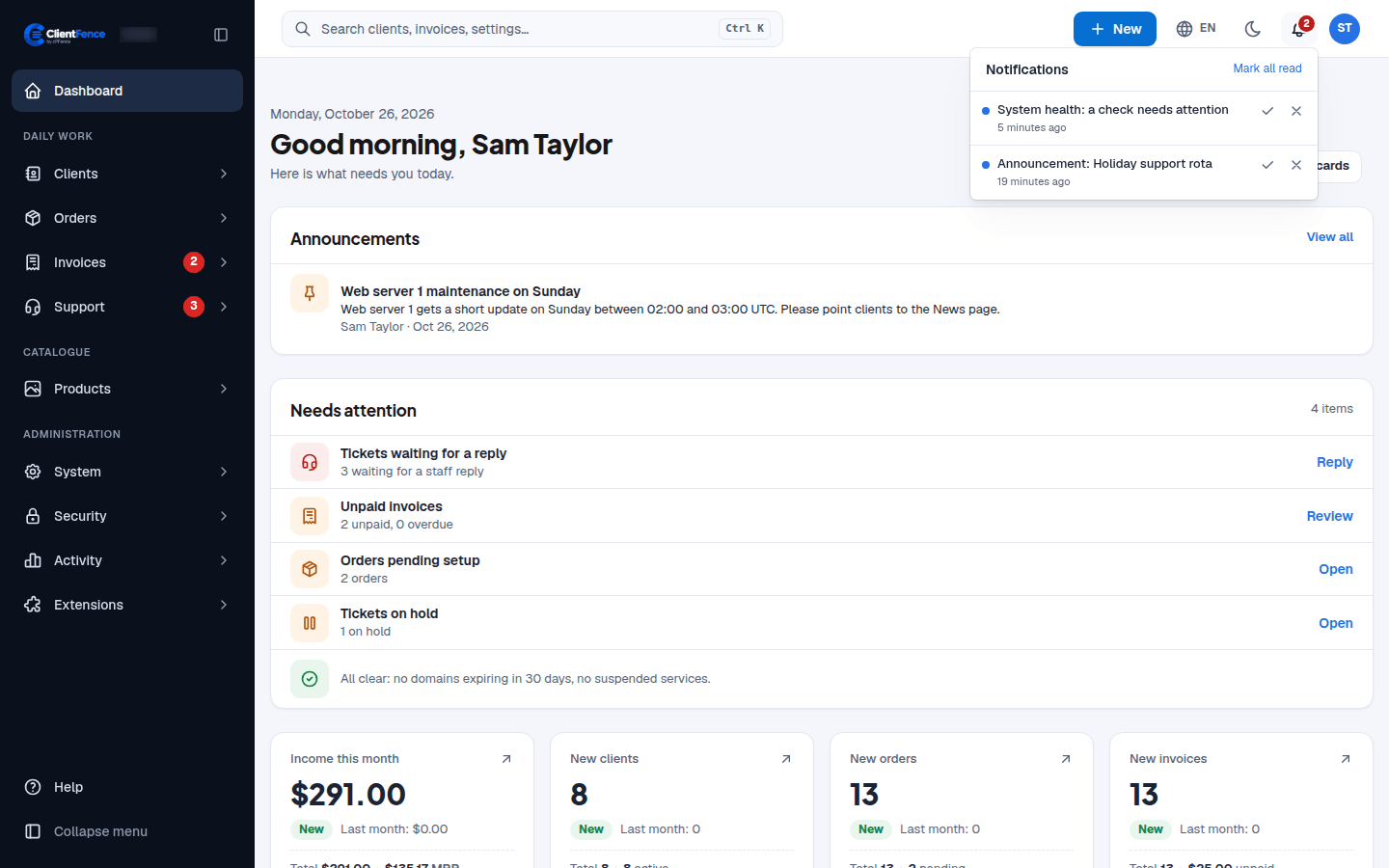
Section titled “What staff see”Everyone in the audience gets Announcement: and the title in their bell; you do not get your own. A pinned announcement shows in an Announcements card at the top of their dashboard until the date passes or someone selects Unpin.
Who may read and post
Section titled “Who may read and post”Set these on a staff group’s Permissions tab (see Staff accounts and groups).
| Permission | What it allows |
|---|---|
| Read announcements | Read the announcements sent to them. |
| Manage announcements | Post, unpin and delete announcements, and see all of them. |
All staff means the active staff members who may read announcements.