

System health
The health page checks your install every hour (through the cron) and lists what needs attention first. When a check starts to need attention, Super Administrators get one email. The registrar and hosting server checks email only after two failed runs in a row, so a short network blip does not send an alert.
- Go to System → Settings → System and open the System Health tab. The dashboard System health card links here too.
- Read Needs attention, then Warnings. Each item says what is wrong and how to fix it; Open goes to the right setting.
- After a fix, select Run checks now.
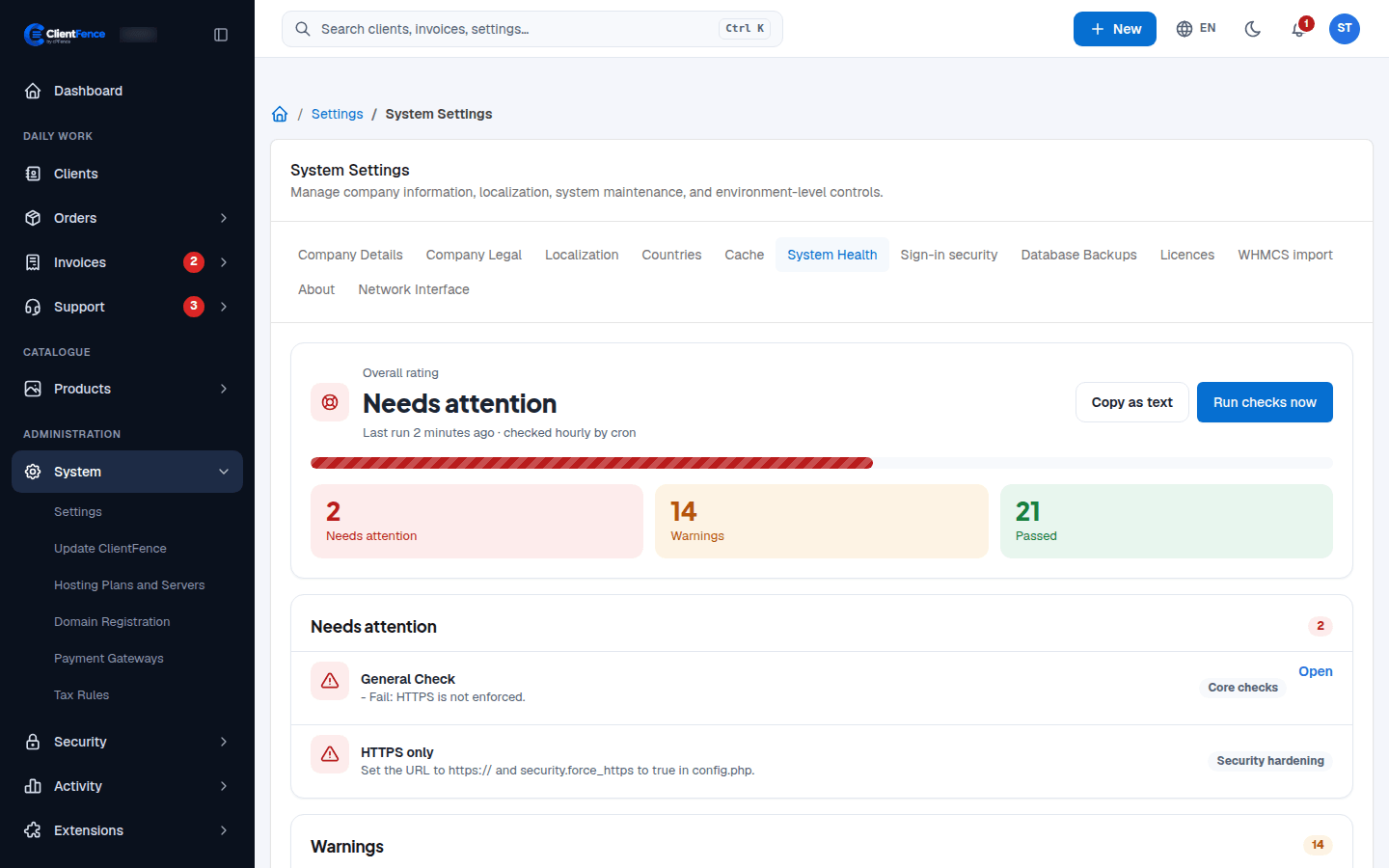
| Level | Meaning |
|---|---|
| Needs attention | Fix it soon: something does not work or is not safe. |
| Warnings | Worth a look; the site still works. |
| Passed | Fine. |
If a backup check needs attention, open Database Backups and review the last result for each destination. Fix the failing destination, run a new backup, and select Run checks now again. See Database backups.