Security checks and activity logs
The Security and Activity menus help you see what is still open on your server and what happened on your site.
Security Dashboard
Section titled “Security Dashboard”- Go to Security → Security Dashboard.
- Select Run All Checks, or Run Check for one.
- Each result shows Passed, Warning or Failed.
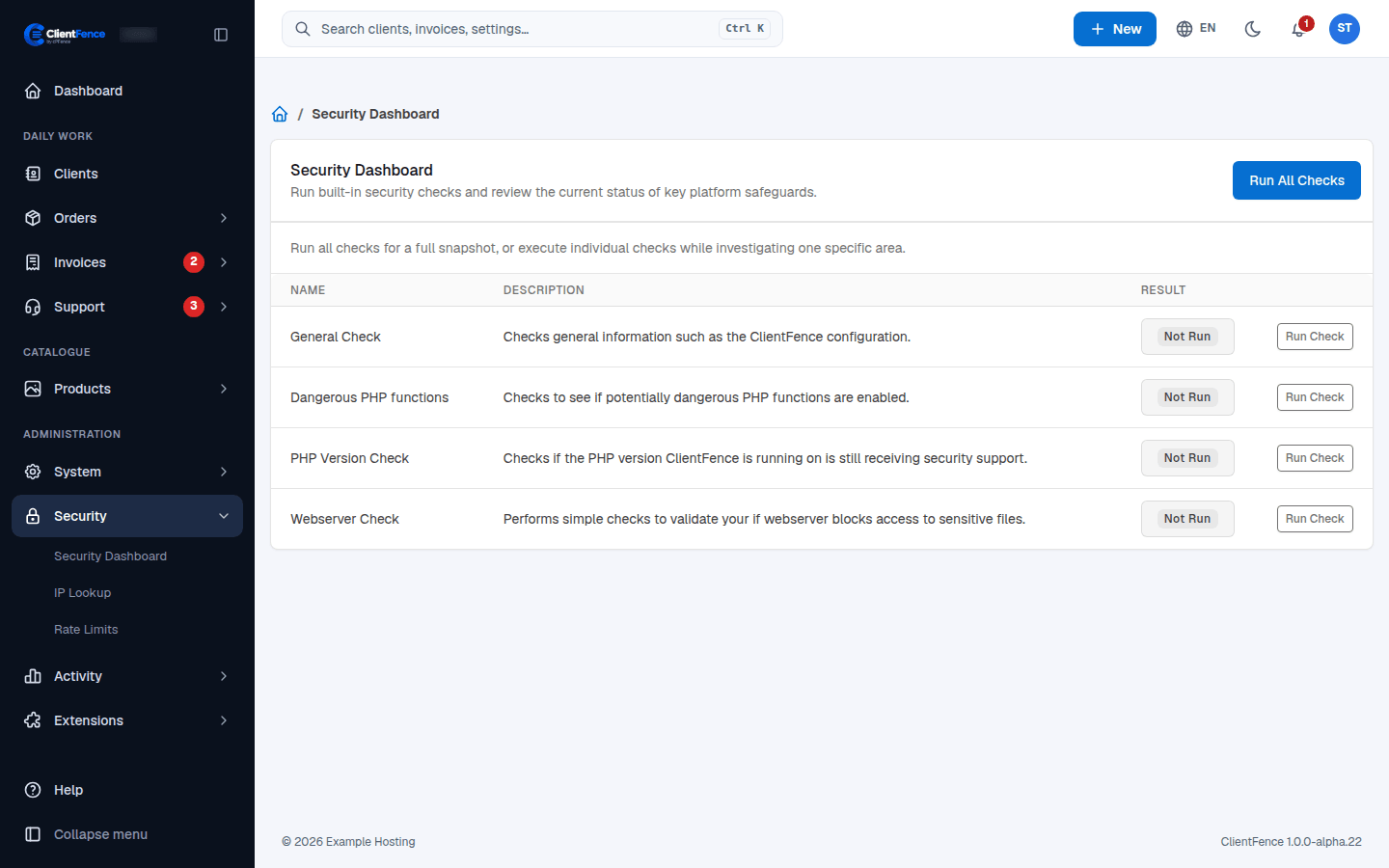
| Check | What it looks at |
|---|---|
| General Check | General settings, such as the ClientFence configuration |
| Dangerous PHP functions | Risky PHP functions that are still enabled |
| PHP Version Check | Whether your PHP version still gets security support |
| Webserver Check | Whether the web server blocks access to sensitive files |
The same menu has IP Lookup (country and network of an address) and Rate Limits (addresses blocked for too many tries, with a button to reset them).
Activity logs
Section titled “Activity logs”Activity → System Activity lists what staff, clients, guests and the cron did, with the date, address and country. Search it with the box at the top.
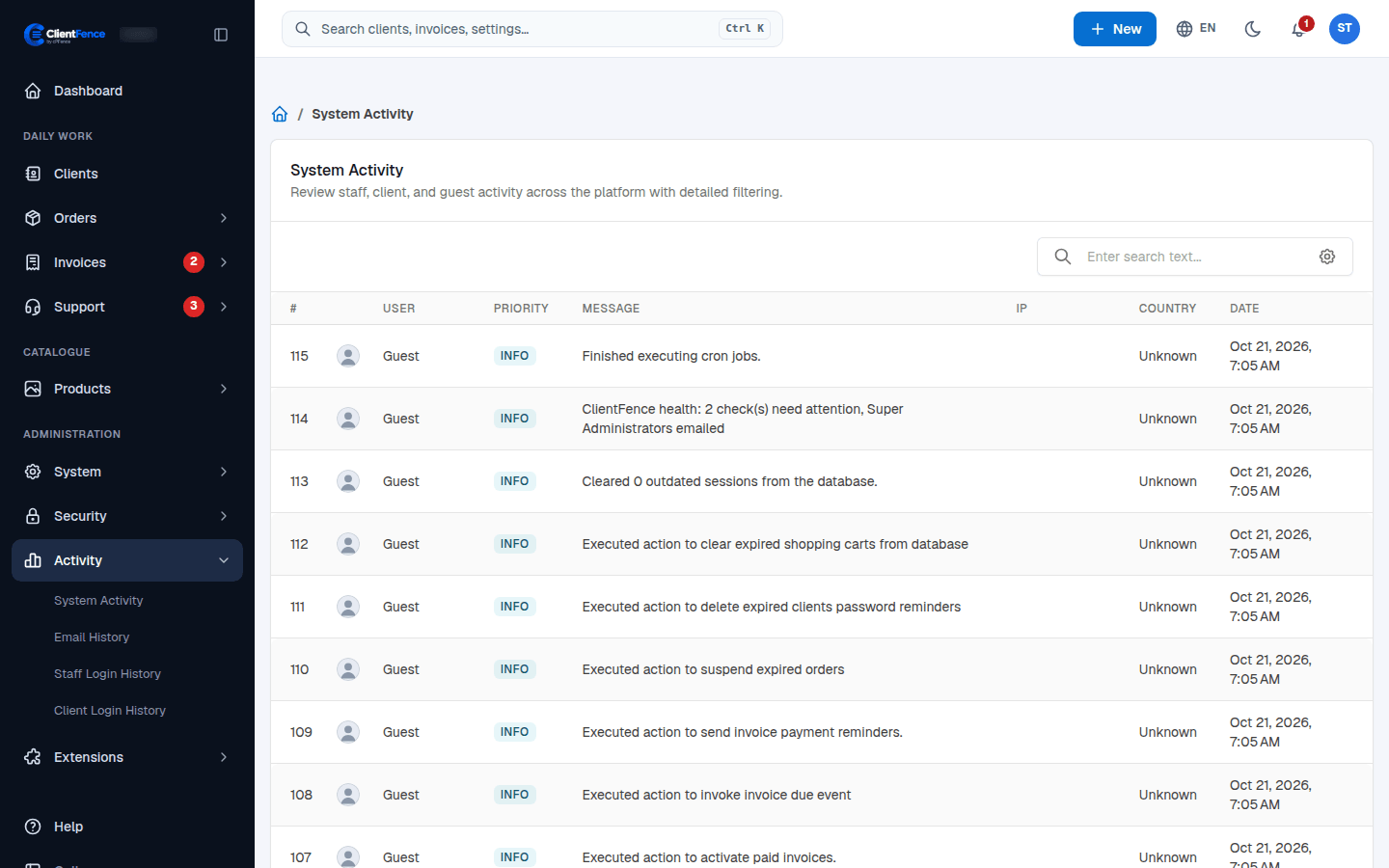
Staff Login History and Client Login History list every sign-in.
If a customization stops running, check System Health for script policy reports. Use Caching and speed to check for full-page caching that can interfere with the site’s script policy.
Choose log retention
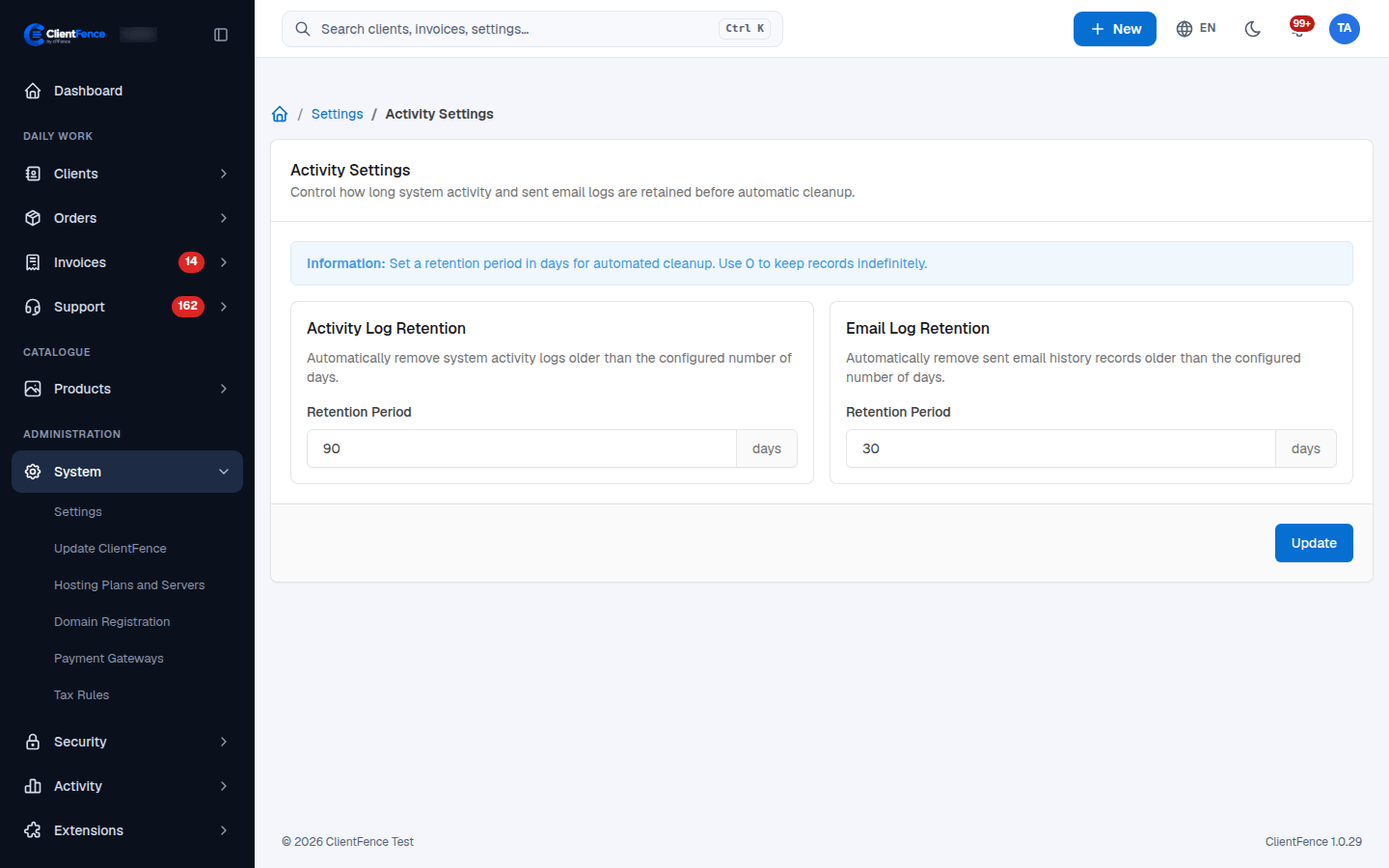
Section titled “Choose log retention”- Open System → Settings → Activity.
- Set Activity Log Retention → Retention Period and Email Log Retention → Retention Period in days.
- Save, then confirm cron runs regularly to clean up old entries.
Zero keeps records indefinitely. The activity period also controls staff and client login-history cleanup. The email period controls sent email history, not the outgoing queue. Shortening either period can permanently remove older entries on the next cleanup; choose periods that preserve the records you need to investigate incidents.
For an access report, find the client or staff member in the corresponding login history, compare the sign-in time and IP with System Activity, and inspect unexpected events. History only covers records still retained.
For targeted IP counter resets, see Access recovery.