

Products and categories
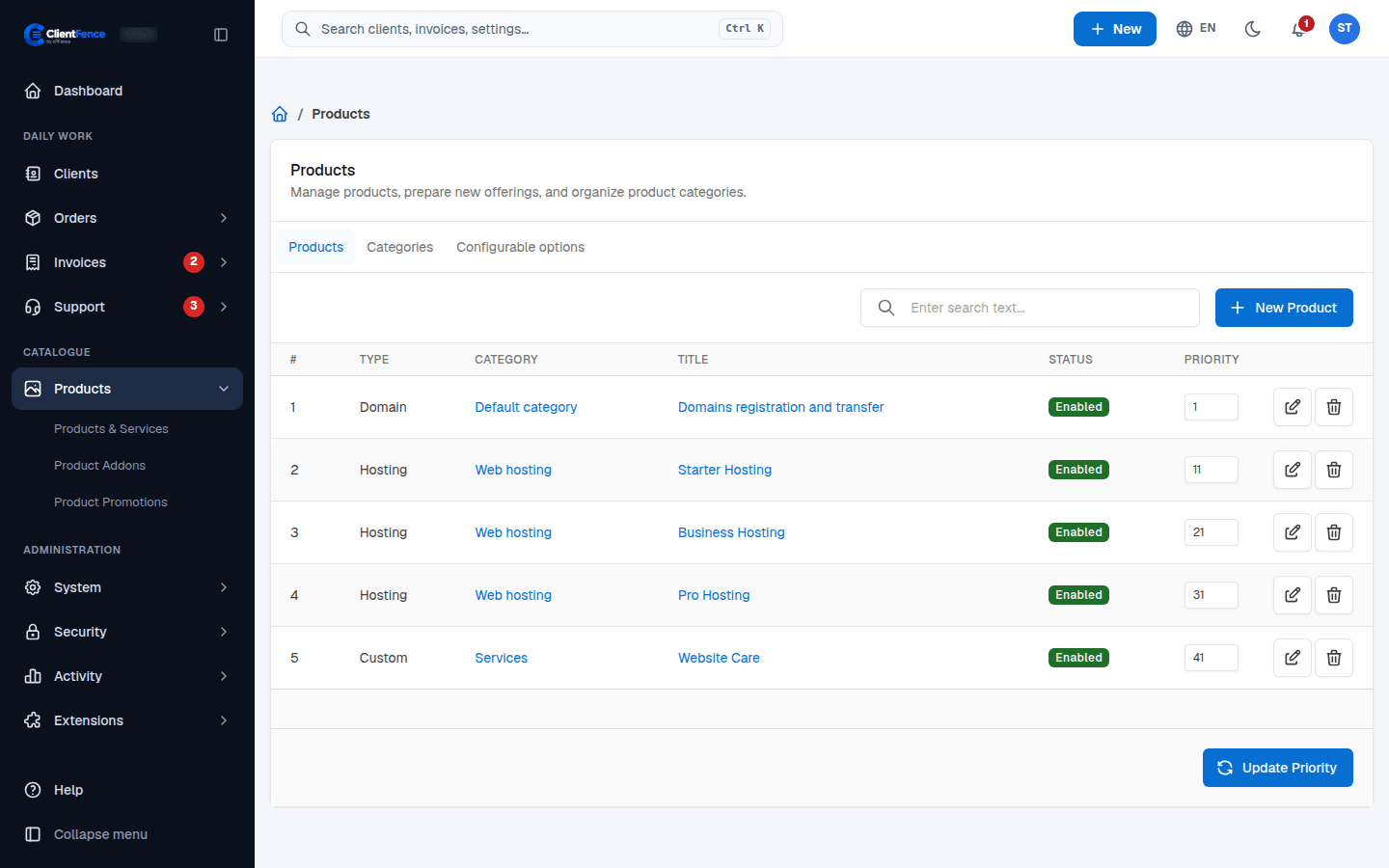
Products are what clients order from the store: hosting plans, domains or any custom service. Find them under Products → Products & Services.
Add a product
Section titled “Add a product”- Select New Product.
- Pick the Type (for example Hosting, Domain or Custom), a Category and a Title, then select Create.
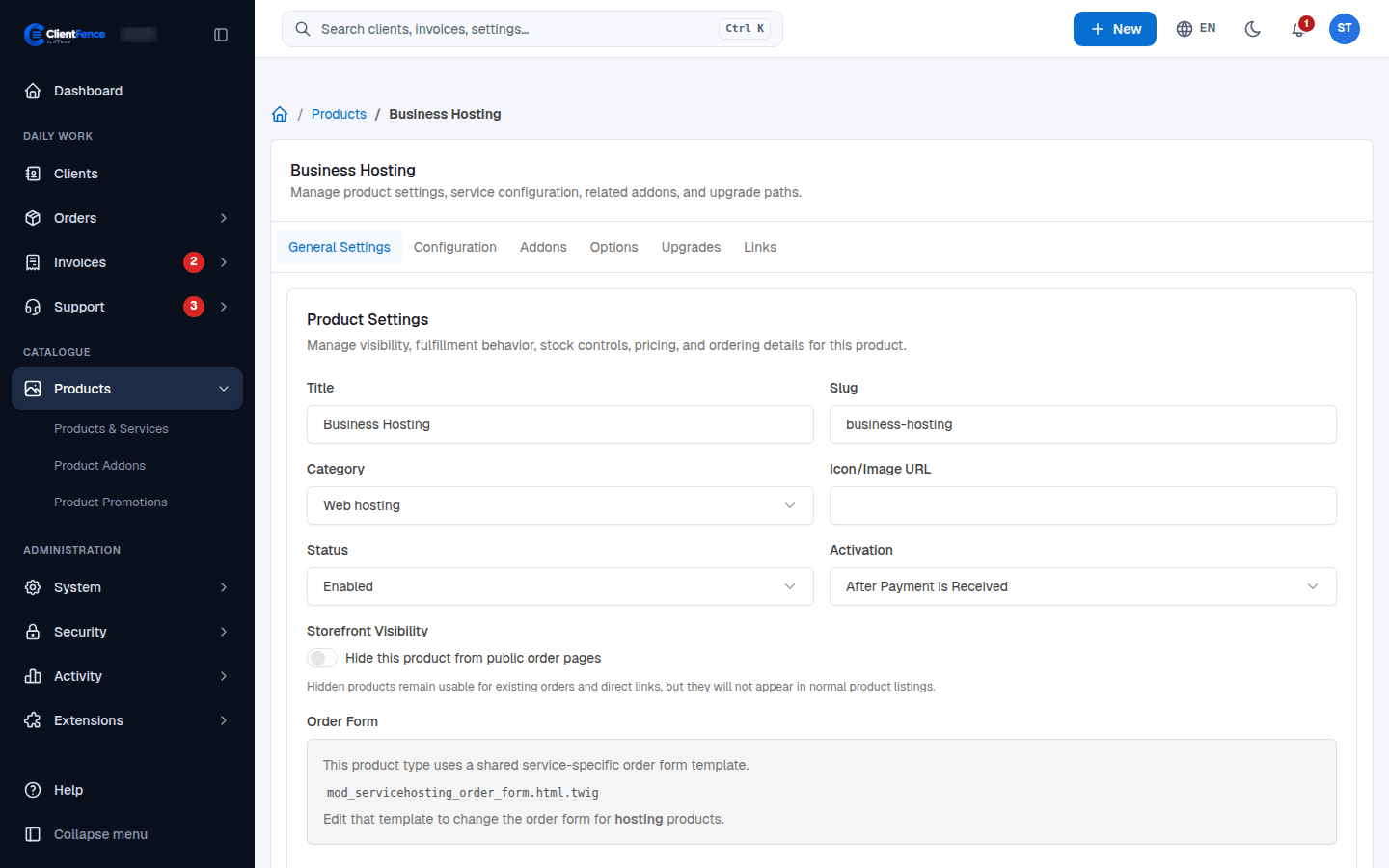
- On the General Settings tab, set the Status, the Activation (after the order is placed, after payment, or manual) and the price under Billing Model (Free, One Time or Recurrent with a price per billing period).
- Select Update.
The product tabs
Section titled “The product tabs”| Tab | What it is for |
|---|---|
| General Settings | Title, category, status, activation, stock, price and description. Hide this product from public order pages keeps it out of the store but usable through a direct link. |
| Configuration | Settings of the product type, such as the hosting plan and server. |
| Addons | The addons clients can order with this product. |
| Options | The configurable option groups clients pick from. |
| Upgrades | The products a service can move to, and whether clients may upgrade or downgrade. |
| Links | Direct links to the product’s order page. |
Categories and configurable options
Section titled “Categories and configurable options”The Categories tab groups products; the store shows a filter for each category. The Configurable options tab holds priced choices, such as more memory or extra IPs: make a group, add its options, then attach it on a product’s Options tab. Their prices are added to the product price.
Choose a product type
Section titled “Choose a product type”| What you sell | Set up |
|---|---|
| Hosting or domains | Connect a hosting server or a registrar before opening sales. |
| A file download | Use Downloadable, then upload the Product File on Configuration. |
| A software license | Use License and configure key generation and validation rules on Configuration. |
| An API key | See API Key Product. |
| A service you fulfill yourself | Use Custom and choose how it should activate. |
See Fixed currency prices, Configurable options, Custom forms, Downloads and Software licences for the full setup steps.