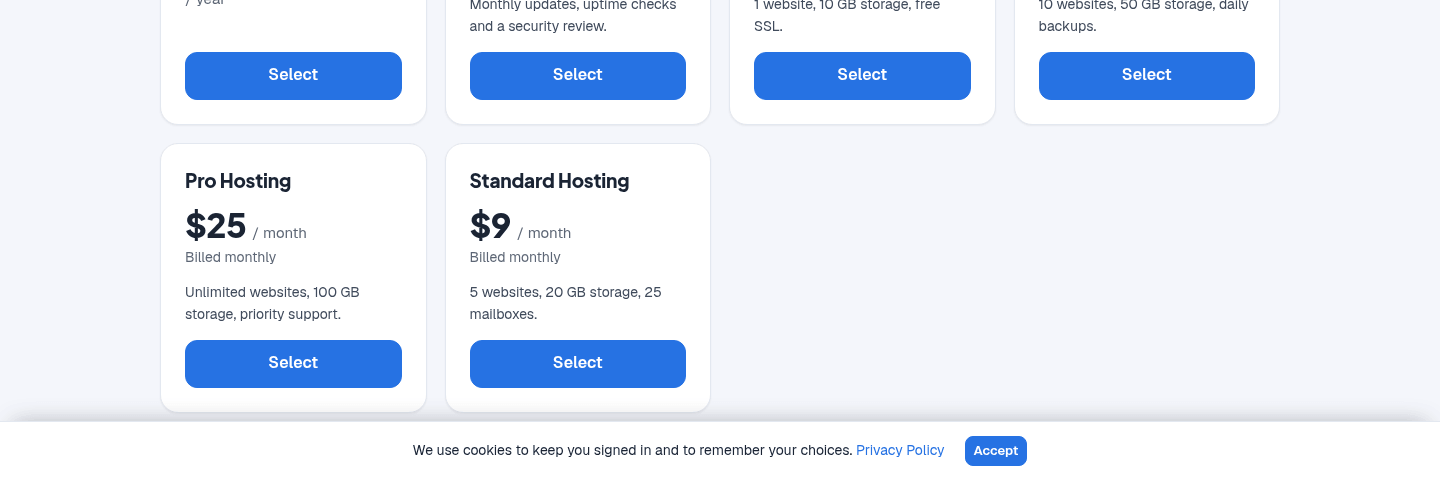
Cookie notice for the client area
Cookie Consent shows visitors of your client area a short notice about cookies, with one button. Once a visitor selects it, the notice does not show again in that browser. If it is off, turn on Cookie Consent in Extensions → Overview first.
Set up the notice
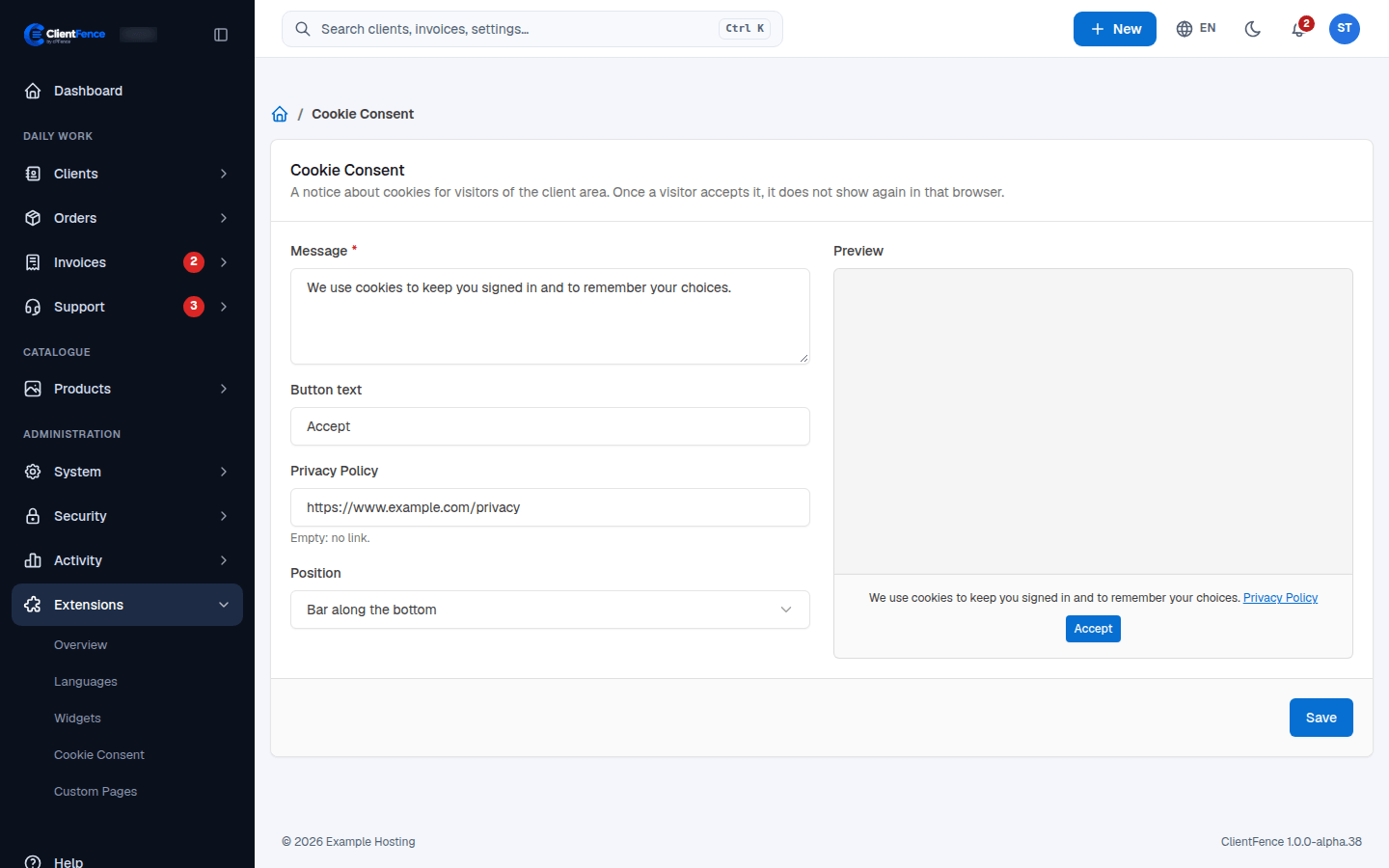
Section titled “Set up the notice”- Go to Extensions → Cookie Consent.
- Fill in the options in the table below. The Preview follows them as you type.
- Select Save.
| Option | What it does |
|---|---|
| Message | The text of the notice (required, up to 1000 characters). |
| Button text | Up to 40 characters. Empty shows Accept. |
| Privacy Policy | The address of your privacy policy, shown as a Privacy Policy link after the message. Empty: no link. |
| Position | Bar along the bottom, or Card in the bottom corner (shown as a bar on phones). |
The notice in the client area, as a bar along the bottom: