Addons and promotions
Addons are optional extras a client can add to a product when ordering. Promotions are promo codes that take a discount off an order.
Addons
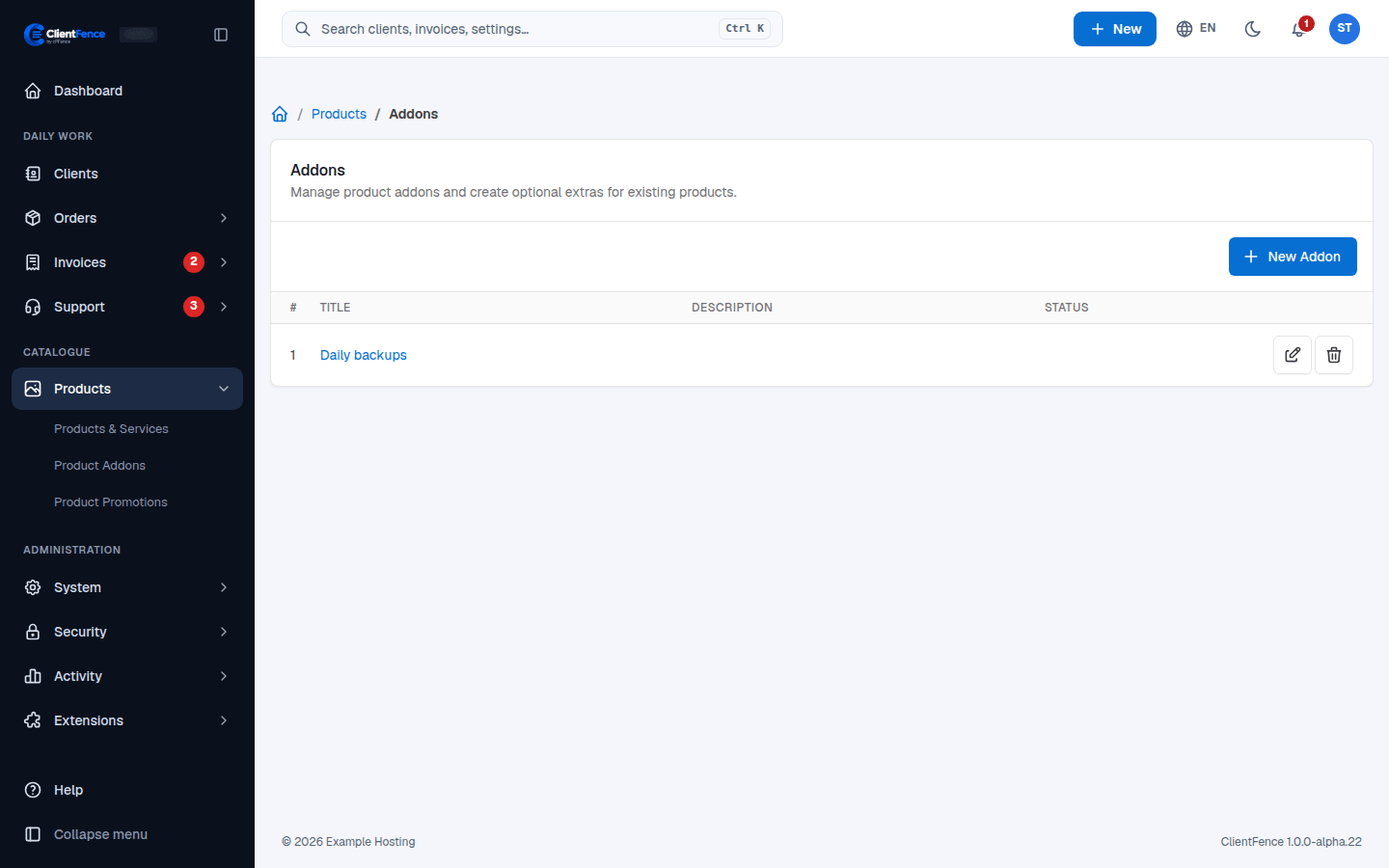
Section titled “Addons”- Go to Products → Product Addons and select New Addon.
- Fill in the title, status and activation, then select Create.
- Open the addon to set its price and description, then select Update.
- Open each product the addon belongs to, tick it on the Addons tab and select Update.
Promotions
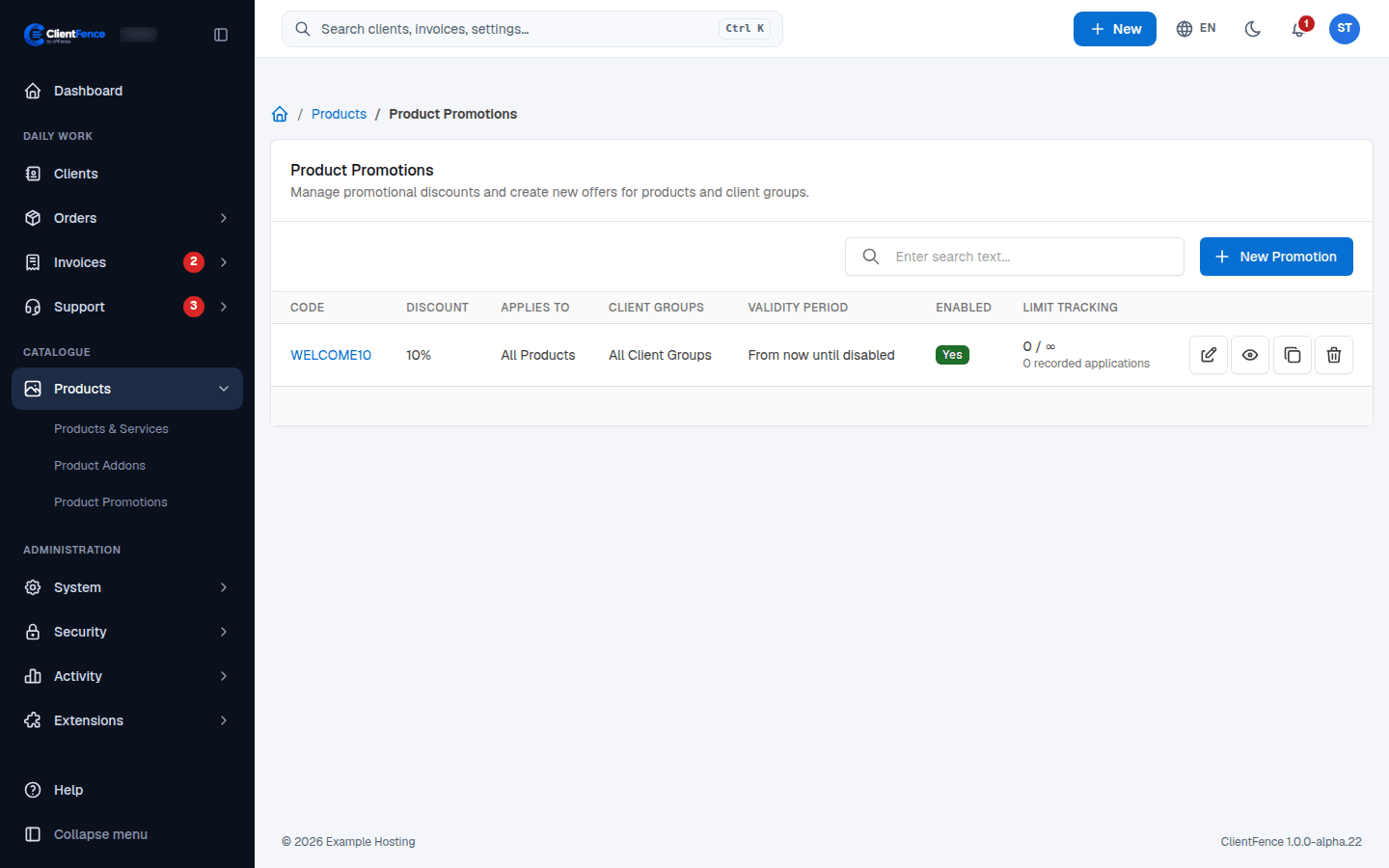
Section titled “Promotions”- Go to Products → Product Promotions and select New Promotion.
- Enter the Promo Code, the Discount Type (Absolute or Percentage) and the Discount Value.
- Choose the limits and behavior, then select Create.
| Setting | What it does |
|---|---|
| Recurring | Discount the first order only, or the renewals too. |
| Once per Client | Each client can use the code once. |
| Max Uses (Zero for Unlimited) | How many times the code can be used in total. |
| Free Setup | Waives the setup fee. |
| Also discount configurable options | By default the discount covers the product price only. |
| Applicable Products, Periods, Client Groups | Limit the code; leave a list empty to apply it to all. |