

Billing, client and support reports
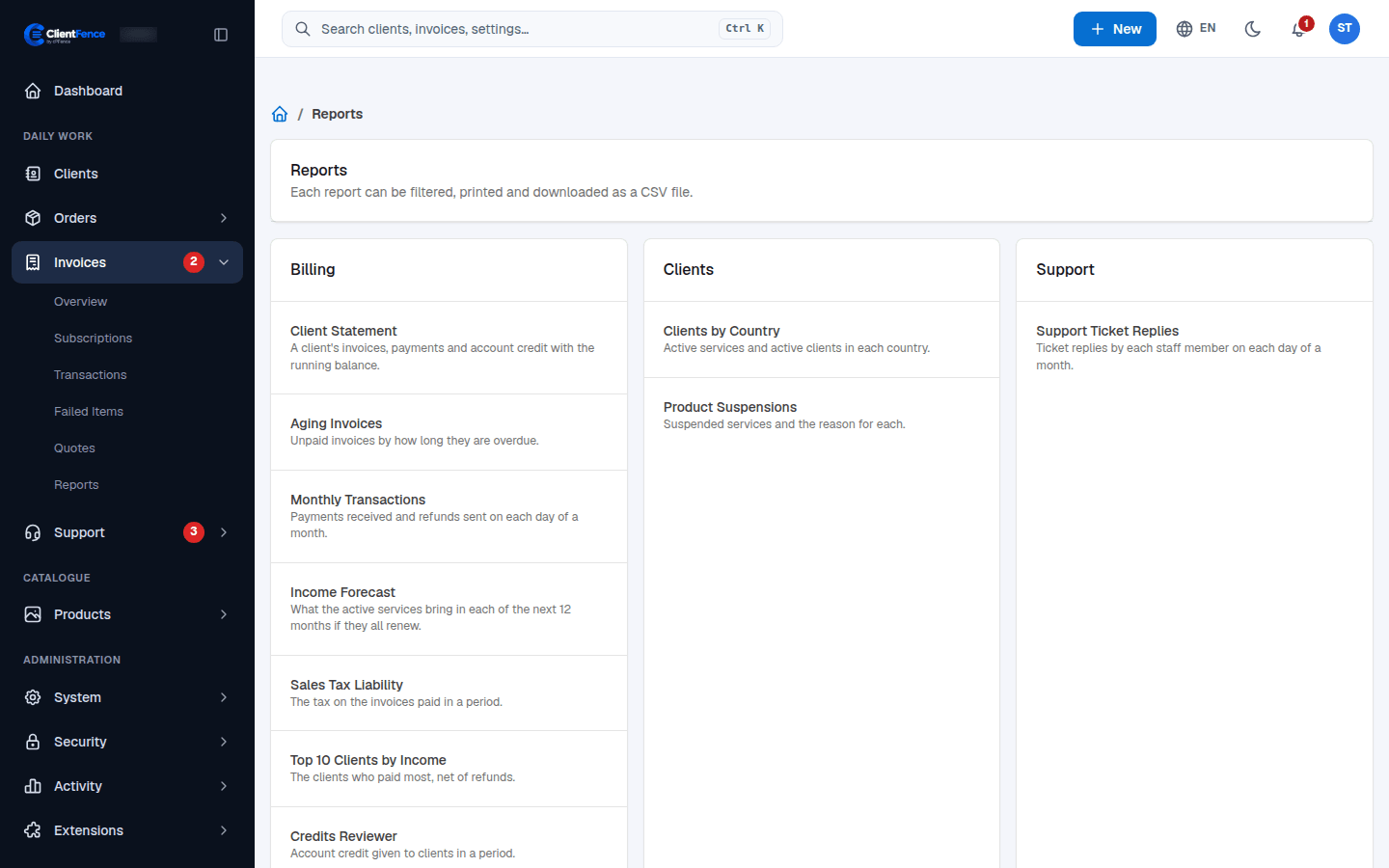
Invoices → Reports has ready-made reports in three groups. Open one, set the filters, select Show report, then Print it or select Download CSV.
| Report | What it shows |
|---|---|
| Client Statement | A client’s invoices, payments and account credit with the running balance. Also as a PDF with Download PDF. |
| Aging Invoices | Unpaid invoices by how long they are overdue. |
| Monthly Transactions | Payments received and refunds sent on each day of a month. |
| Income Forecast | What the active services bring in each of the next 12 months if they all renew. |
| Sales Tax Liability | The tax on the invoices paid in a period. |
| Top 10 Clients by Income | The clients who paid most, net of refunds. |
| Credits Reviewer | Account credit given to clients in a period. |
| Clients by Country | Active services and active clients in each country. |
| Product Suspensions | Suspended services and the reason for each. |
| Support Ticket Replies | Ticket replies by each staff member on each day of a month. |