

Scheduled tasks (cron)
ClientFence needs its cron to run every five minutes. It creates invoices, sends reminders and emails, suspends overdue services, makes backups and runs the health checks.
-
In your hosting panel, add this cron job (use your own path):
*/5 * * * * php /path/to/clientfence/cron.php -
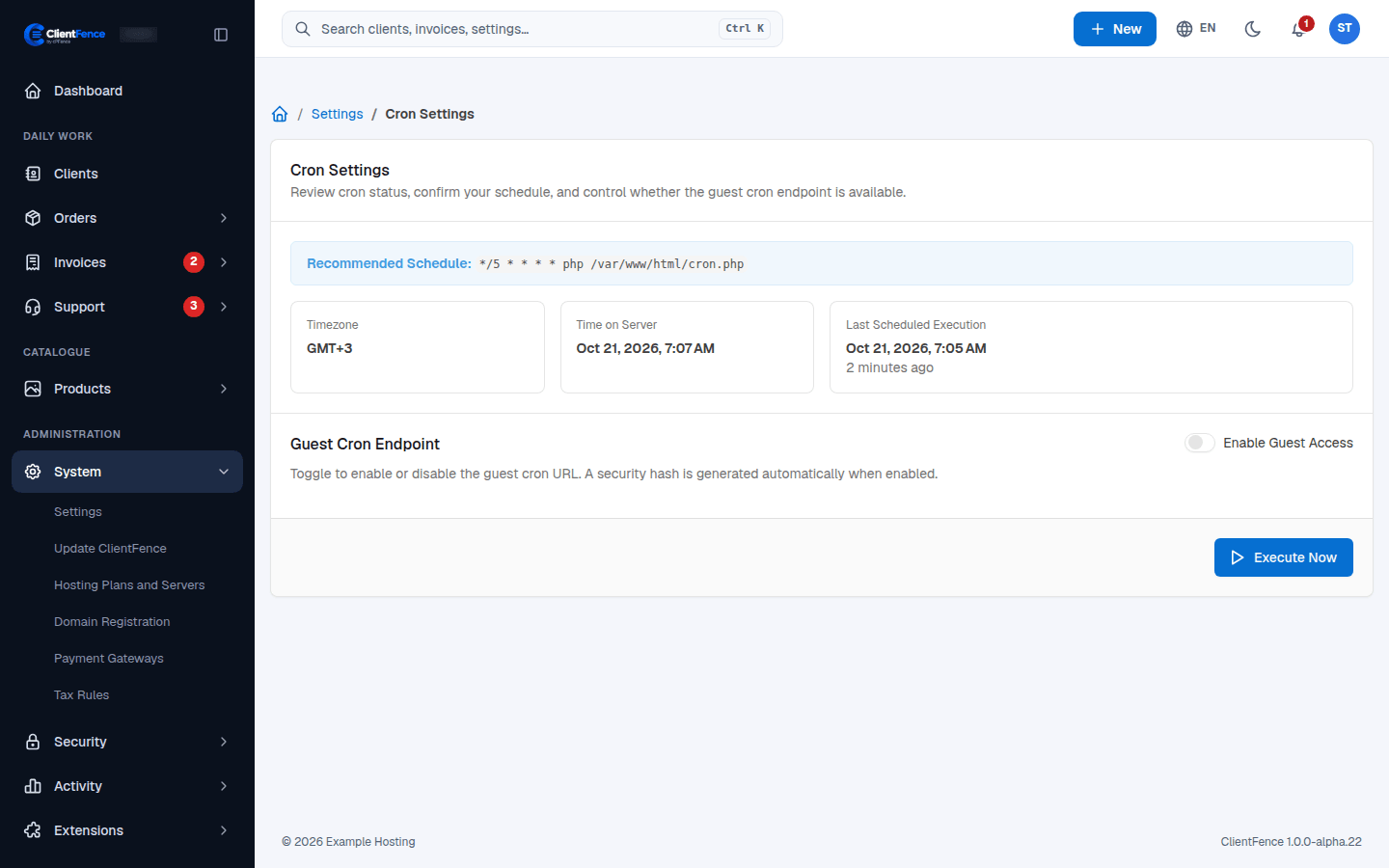
Go to System → Settings → Scheduled Tasks and check Last Scheduled Execution. It should be a few minutes ago.
Command line
Section titled “Command line”To run the same scheduled jobs once, open the ClientFence directory in a shell as the site user and run the command below.
php console.php cron:runCheck Last Scheduled Execution again. Keep the recurring job on its five-minute schedule.