

Troubleshoot queued email delivery
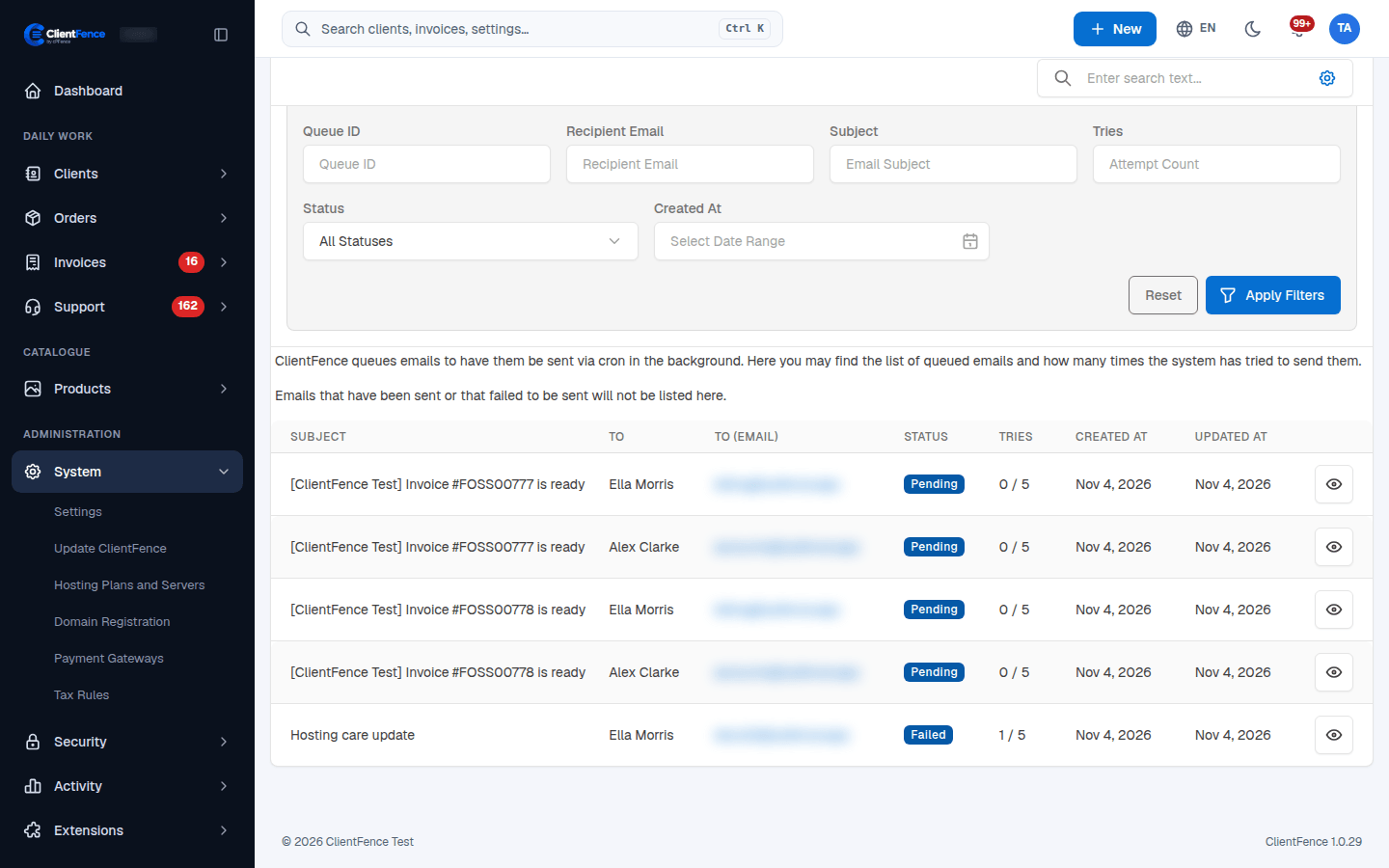
Emails made by an action, such as Mark as Paid or a ticket reply, are sent right after the page answers. Other emails, and any that fail, wait in the queue for cron to send or retry.
- Open System → Settings → Email → Email Queue.
- Review the recipient, subject, status and Tries. Use Preview to inspect a message.
- If attempts increase without delivery, inspect the activity/error log and check the transport under Email Settings.
- Correct SMTP or mailer settings and use Send a Test Email to Yourself.
- Let cron retry, then confirm the message leaves the queue and reaches the recipient. If email logging is enabled, also check Activity → Sent Emails.
Sent messages and messages abandoned after repeated failures leave the queue. Failures are retained for at least three days before being abandoned, even if the configured retry threshold is exceeded earlier. Keep email logging enabled if you need a record to resend later.
For an abandoned or previously sent message recorded in Activity → Sent Emails, open it and select Resend after fixing delivery. Resending creates another delivery, so check whether the recipient already received it.
Run the sender from the command line
Section titled “Run the sender from the command line”As the site user, from the installation directory:
php console.php cron:runThis runs all due cron tasks, including email delivery. See Cron and Outgoing email.