

Update ClientFence
ClientFence checks for a new release once a day. When one is out, the dashboard shows a notice and staff get an email.
Install an update
Section titled “Install an update”- Go to System → Update ClientFence.
- Read the release notes. If ClientFence lists changed files, select Download the changed files and save them before continuing. Then select Update ClientFence and confirm.
- Wait. ClientFence saves a backup of the database and of every file it replaces, installs the release, updates the database and signs you out.
- Sign in again. If the database update needs attention, the admin area asks you to finalize it.
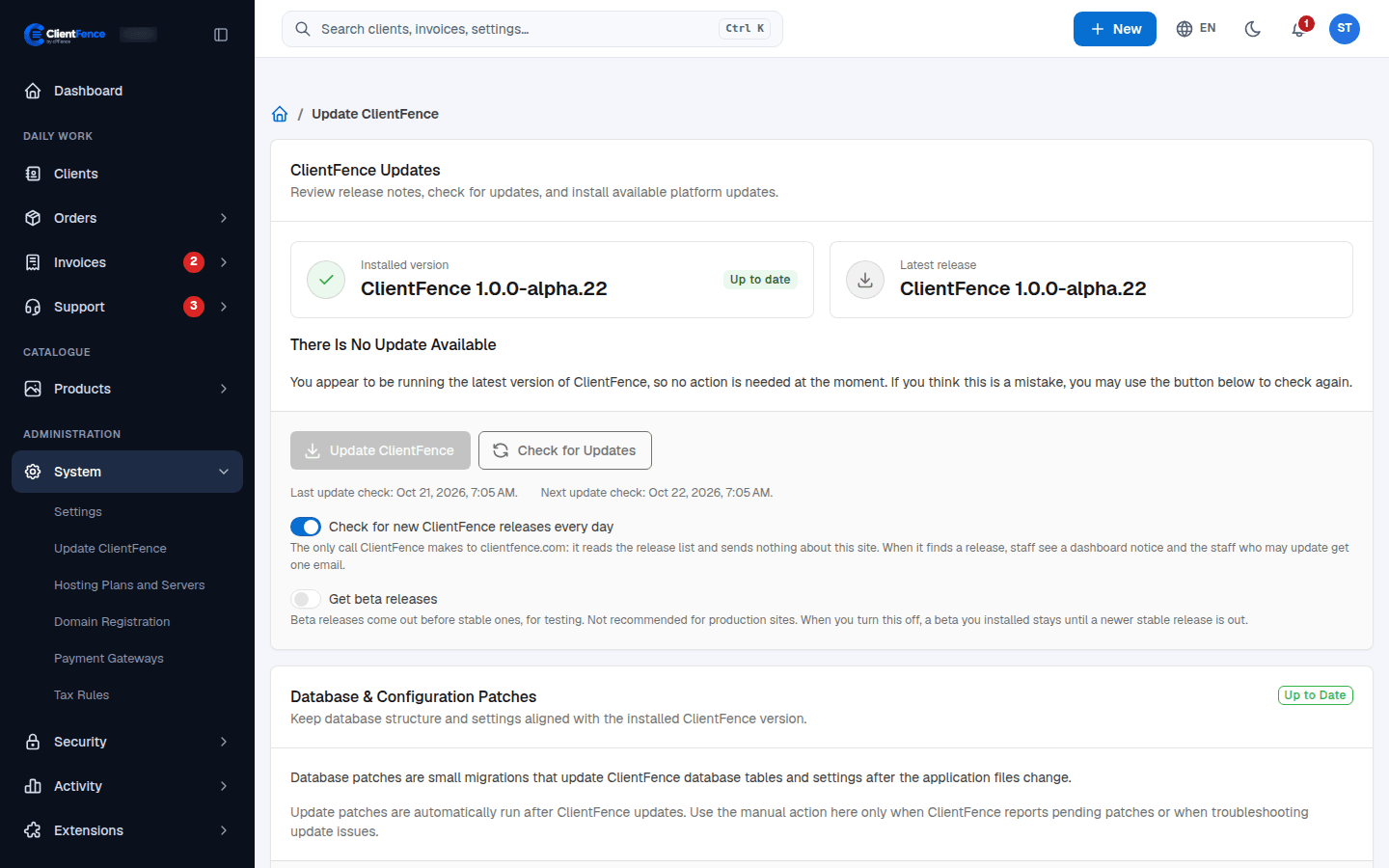
Options on this page
Section titled “Options on this page”| Option | What it does |
|---|---|
| Check for Updates | Checks the release list now instead of waiting for the daily check. |
| Check for new ClientFence releases every day | Turn it off to stop the daily check. The check only reads the release list on clientfence.com; it sends nothing about your site. |
| Get beta releases | Also offers beta releases, which come out before stable ones. Not for production sites. |
Command line
Section titled “Command line”If the admin area asks you to finalize, run these from the ClientFence directory as the site user.
php console.php system:run-patcherphp console.php --versionThe patcher finalizes the installed update. Check the reported version and sign in again.