

Knowledge base articles
The knowledge base holds help articles that clients can read on their own, so they need to open fewer tickets.
Add a category
Section titled “Add a category”- Go to Support → Knowledge Base and open the Manage Categories tab.
- Select New Category, give it a Title and a Description, then Create.
Add an article
Section titled “Add an article”- On the Articles tab, select New Article.
- Choose a Category, write a Title and the Content.
- Set the Status: Draft keeps it to staff, Active publishes it.
- Select Create.
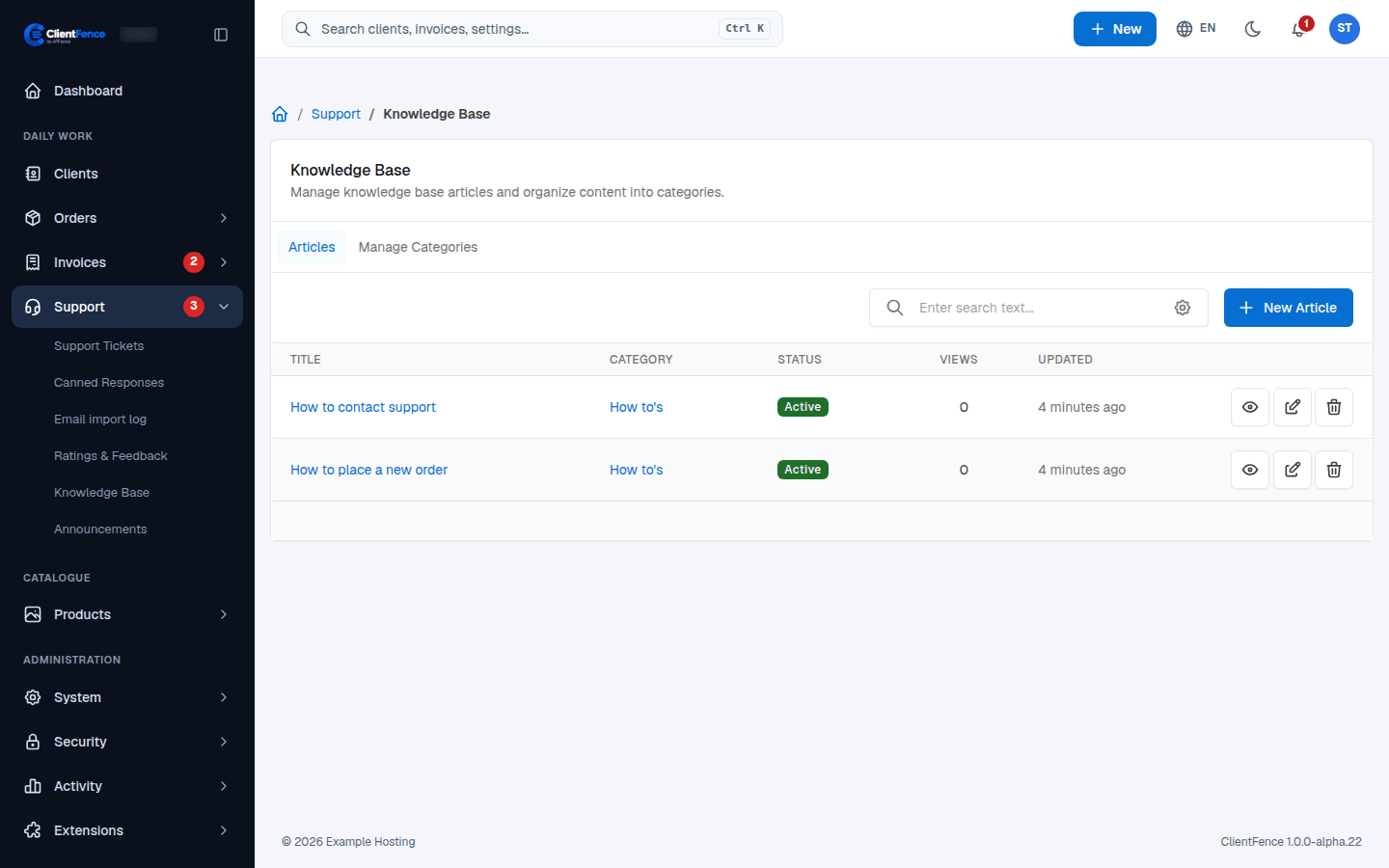
The eye button opens an article as clients see it; the edit button changes it.
Where clients see it
Section titled “Where clients see it”Active articles appear under Knowledge Base in the client area menu. To keep a whole category from clients, edit it and tick Hidden from clients.
In System → Settings, the Support card has Enable Knowledge Base to turn it off, and options to suggest articles on the client ticket form and the contact form.