

Post outages and planned maintenance
Use Network Status to tell clients about an outage or planned work.
- Go to System → Settings → Support → Network Status. Turn on Use network status and select Save network status settings. Choose whether visitors can see it without signing in.
- Go to Support → Network Issues and select New Issue. Enter a Title and Description, then choose what it is About. Select the affected Server for server work.
- Set Priority, Status, and Start. For planned work, choose Scheduled and add an End if you know it. Select Create issue.
- Open the issue to post updates. Set Status to Resolved when the work is done, then select Save issue.
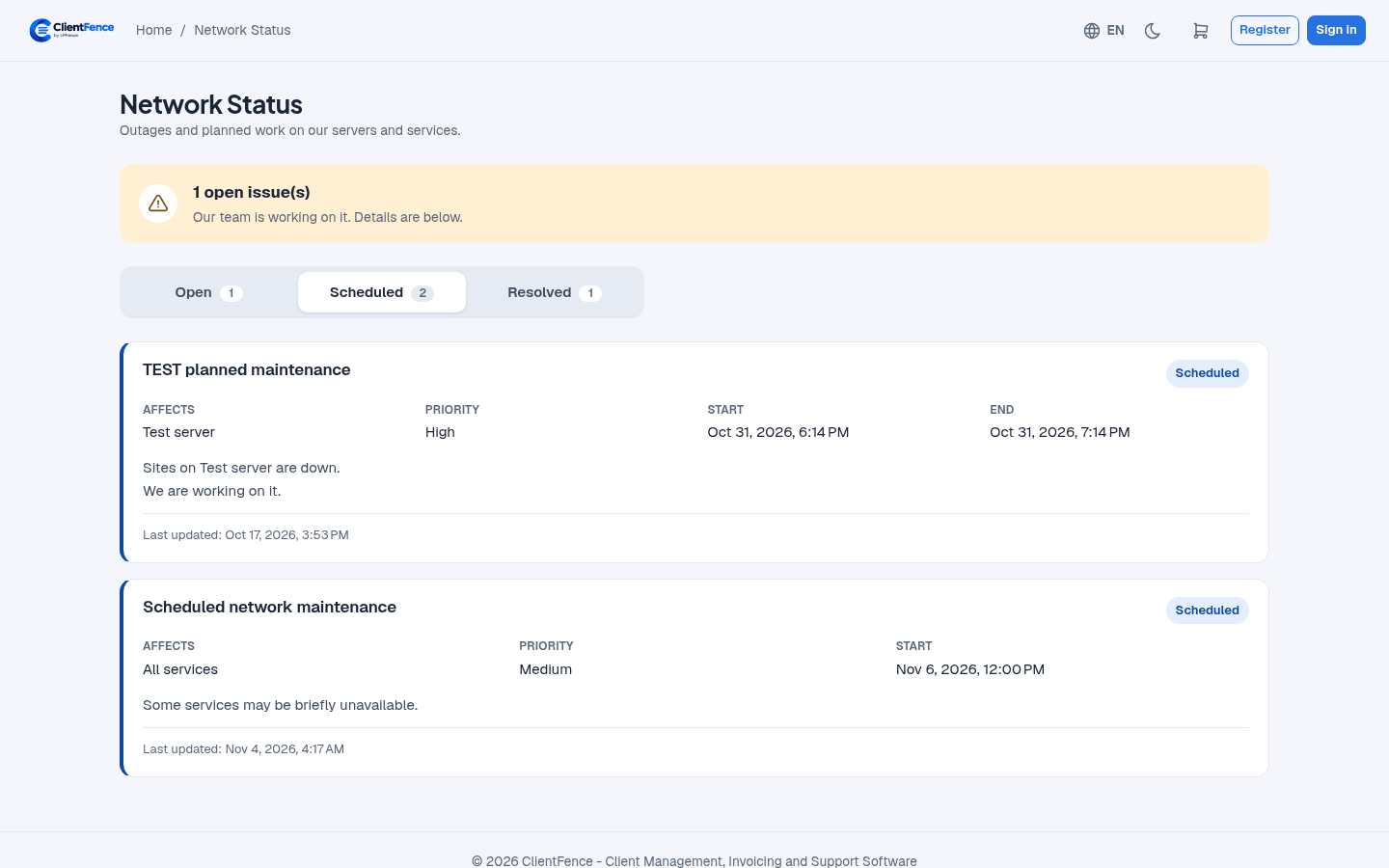
Clients with affected services see a dashboard notice for open or scheduled work. They can dismiss it. An update to the issue can make it appear again.