

The client area at a glance
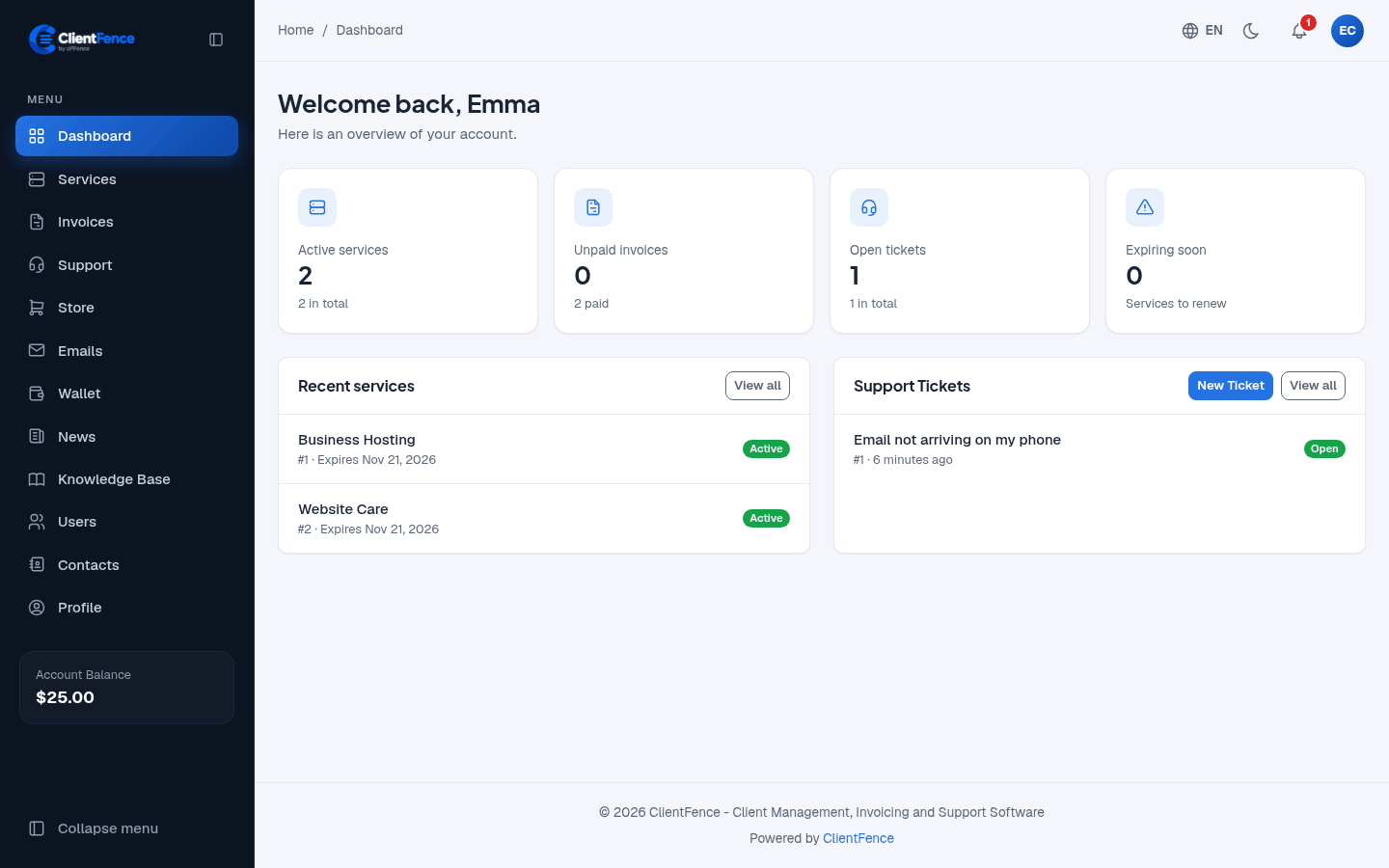
The client area is at the root of your site. Clients sign in there to manage their services, pay invoices and ask for help.
What clients find there
Section titled “What clients find there”| Menu | What it is for |
|---|---|
| Dashboard | Notices, unpaid invoices, open tickets and services to renew |
| Services | Their services and hosting accounts |
| Invoices | View, download and pay invoices |
| Support | Open and answer tickets |
| Store | Order new products |
| Wallet | The account balance |
| Users | Give other people their own sign-in |
| Profile | Account details and password |
The menu also has Emails, News, Knowledge Base, Network Status and Contacts.
Made for every client
Section titled “Made for every client”- Light and dark mode, with the moon button at the top.
- A language menu under the globe button, with regional variants and right-to-left Arabic, Hebrew and Persian.
- Two-factor sign-in and Google sign-in.
To change the logo and look, see Company details and branding.
Use Google sign-in when your provider has enabled it. Account owners can use Profile → Privacy to download their data or request account deletion when privacy tools are enabled.