

Languages for your clients and staff
ClientFence ships with its translations, including Arabic, Hebrew and Persian. The language choices include regional variants, such as US, UK and Australian English. You choose which ones your clients and staff can pick.
Arabic, Hebrew and Persian use right-to-left layouts in the client area. In the admin area, the navigation, dashboard and supported settings panels follow that direction; other page content keeps its left-to-right layout.
Turn a language on or off
Section titled “Turn a language on or off”- Go to Extensions → Languages.
- On Enabled Translations, select the × in the Disable column to turn a language off.
- To turn one back on, open Disabled Translations and select the check mark in the Enable column.
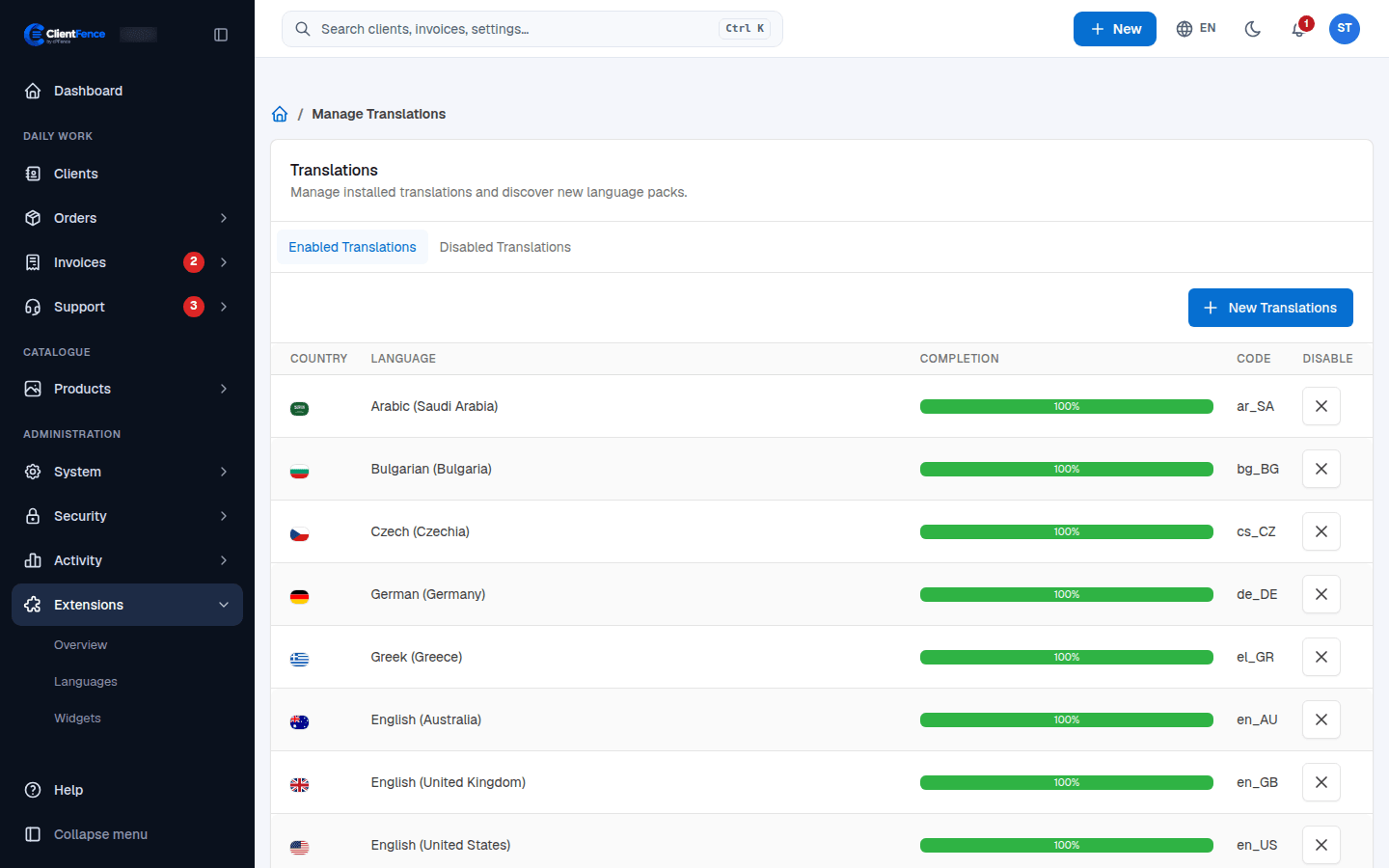
Completion shows how much of each language is translated.
Set the default language
Section titled “Set the default language”Go to System → Settings → System and open the Localization tab:
| Setting | What it does |
|---|---|
| Default Locale | The language guests see first |
| Automatic Browser Language Detection | Guests without a saved choice start in the best match for their browser |
How clients pick a language
Section titled “How clients pick a language”Clients choose from the language menu (the globe) in the top bar of the client area. It lists every enabled language, each in its own name.
Staff sign-in
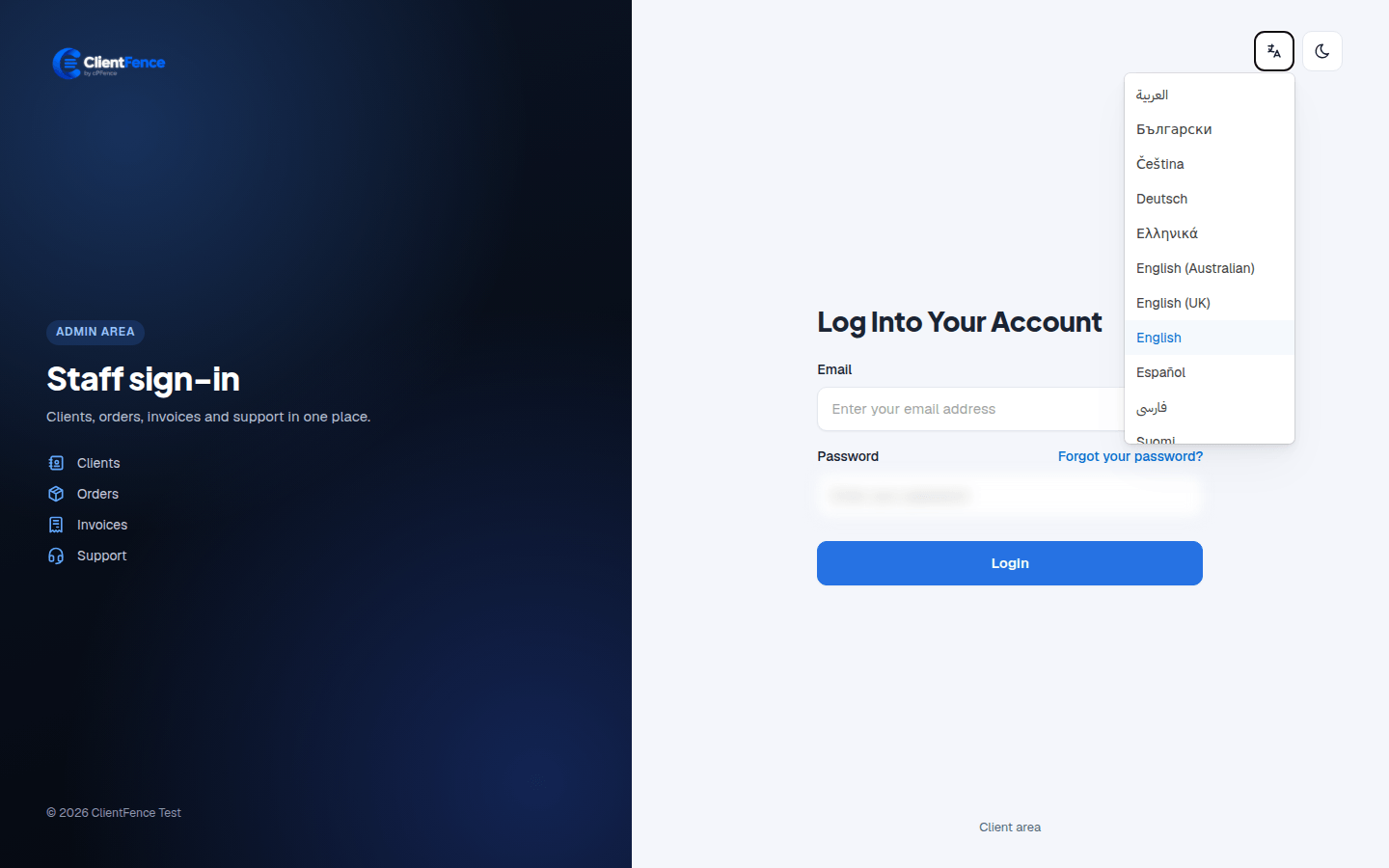
Section titled “Staff sign-in”Staff can choose their language from the language icon beside the theme toggle on the staff sign-in page, or from the globe in the admin top bar after signing in.
Set the default registration country and available country choices under Registration and countries.