Update recurring prices in bulk
Use Orders → Bulk price update to change existing service prices. Domain renewals use the TLD price and are excluded.
- Select Products, Billing periods, Order status and Currency. No periods ticked means every period.
- Optionally set Only services at this price to leave specially priced services alone.
- Choose the new-price method and amount, then select Preview.
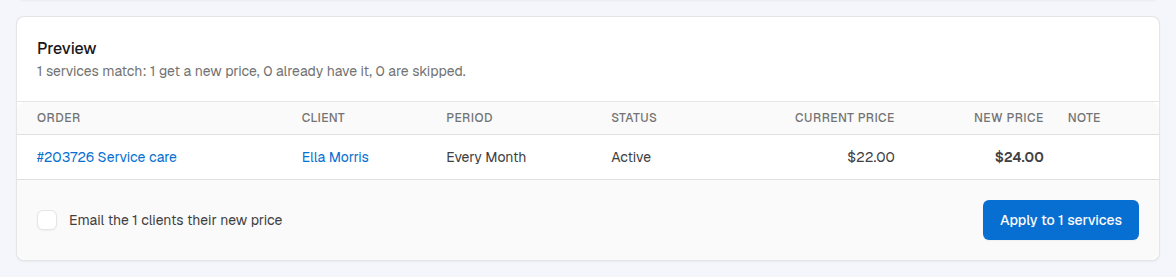
- Review matched, unchanged and skipped services, the old and new prices, and warnings about existing invoices or subscriptions.
- Choose whether to email affected clients, then select Apply to … services.
| Method | Effect |
|---|---|
| Set this price | Set the selected services’ per-unit recurring price. |
| Add this amount to the current price | Add an amount; a negative amount lowers it. |
| The product’s current price… | Use the catalogue price for each billing period, including configurable options as sold. |
The new price starts with the next invoice. Already-issued unpaid invoices keep their amount. Fixed-amount gateway subscriptions keep charging their old amount until the client subscribes again. Recurring discounts still apply.
For new orders only, change Catalogue currency prices instead.