

Connect integrations to the admin API
The admin API uses a staff account’s token and permissions. It is separate from the API key product sold to clients.
- Sign in as the staff account the integration will use.
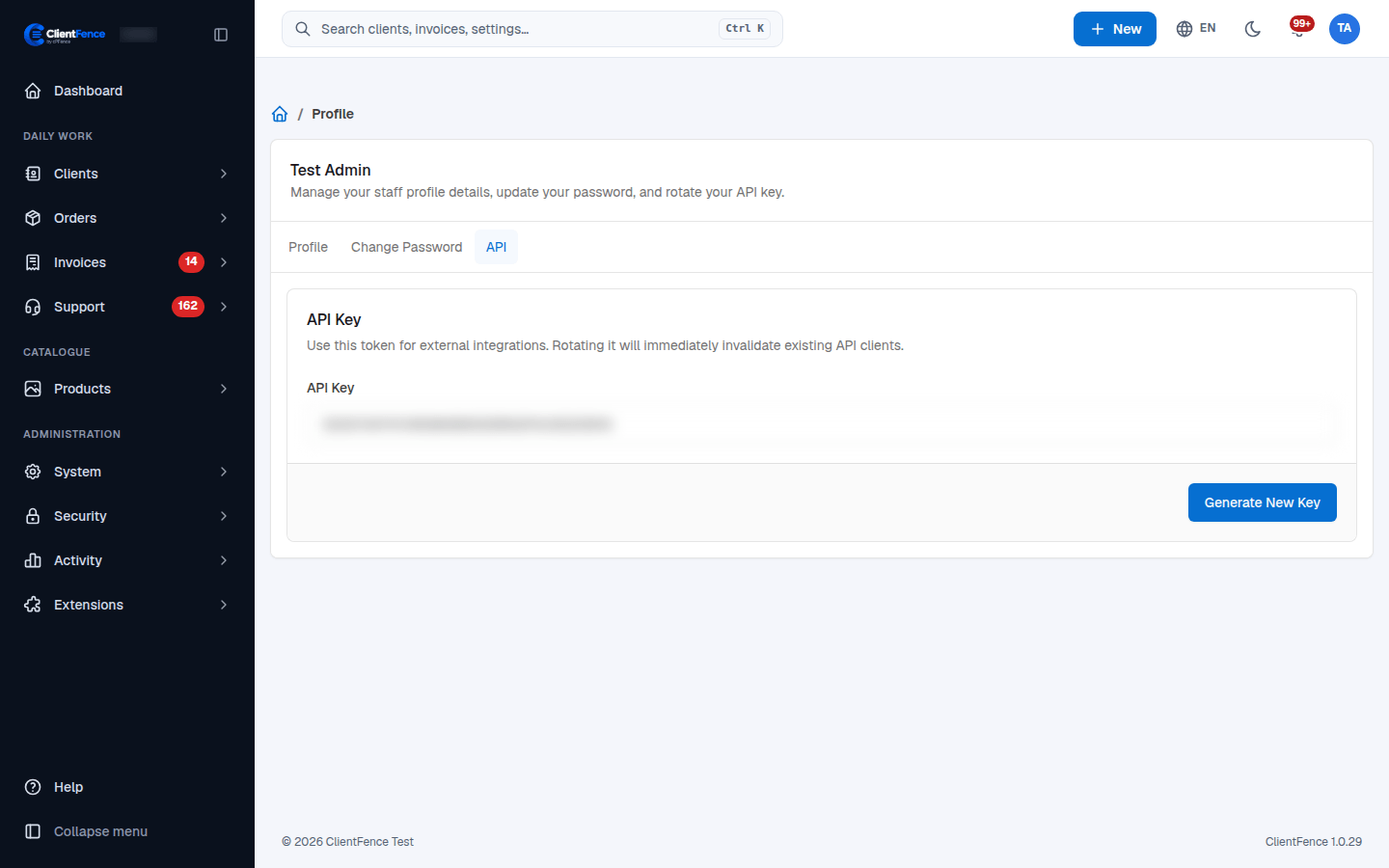
- Open your staff profile and select API.
- Copy the API Key into your integration’s secret storage. Use HTTPS for API requests.
- Test a read-only request, then verify that the staff account has the permissions needed for its intended tasks.
Use a dedicated staff account with the required permissions. Do not put its token in browser code, a public URL or a support ticket.
Selecting Generate New Key replaces the token immediately. Update every integration using that account after rotation; the old token stops working.
Command-line request
Section titled “Command-line request”Basic authentication uses admin as the username and the staff token as the password:
read -r -s -p 'Staff API key: ' STAFF_API_KEYprintf '\n'curl --request POST --user "admin:$STAFF_API_KEY" \ 'https://billing.example.com/api/admin/profile/get'unset STAFF_API_KEYInspect the JSON result and error fields. The profile response contains private account details; keep it out of shared logs.