News and announcements
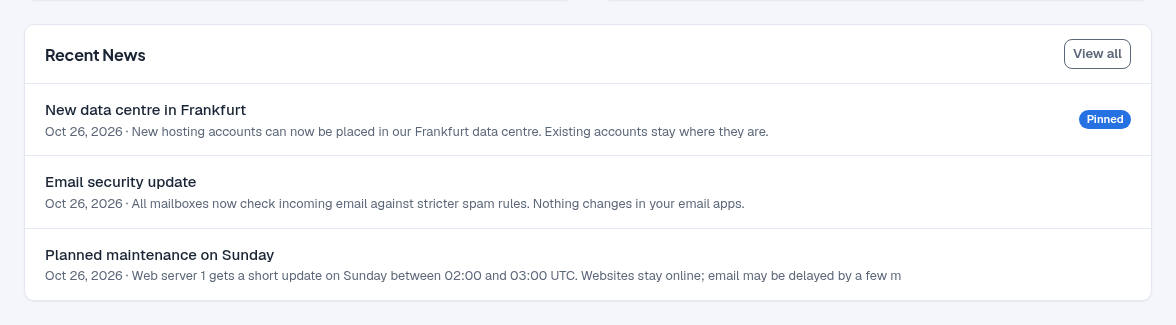
Announcements tell clients about planned maintenance, new services and other news. They
appear on the News page of the client area (/news) and in the Recent News card on
the client dashboard.
Post an announcement
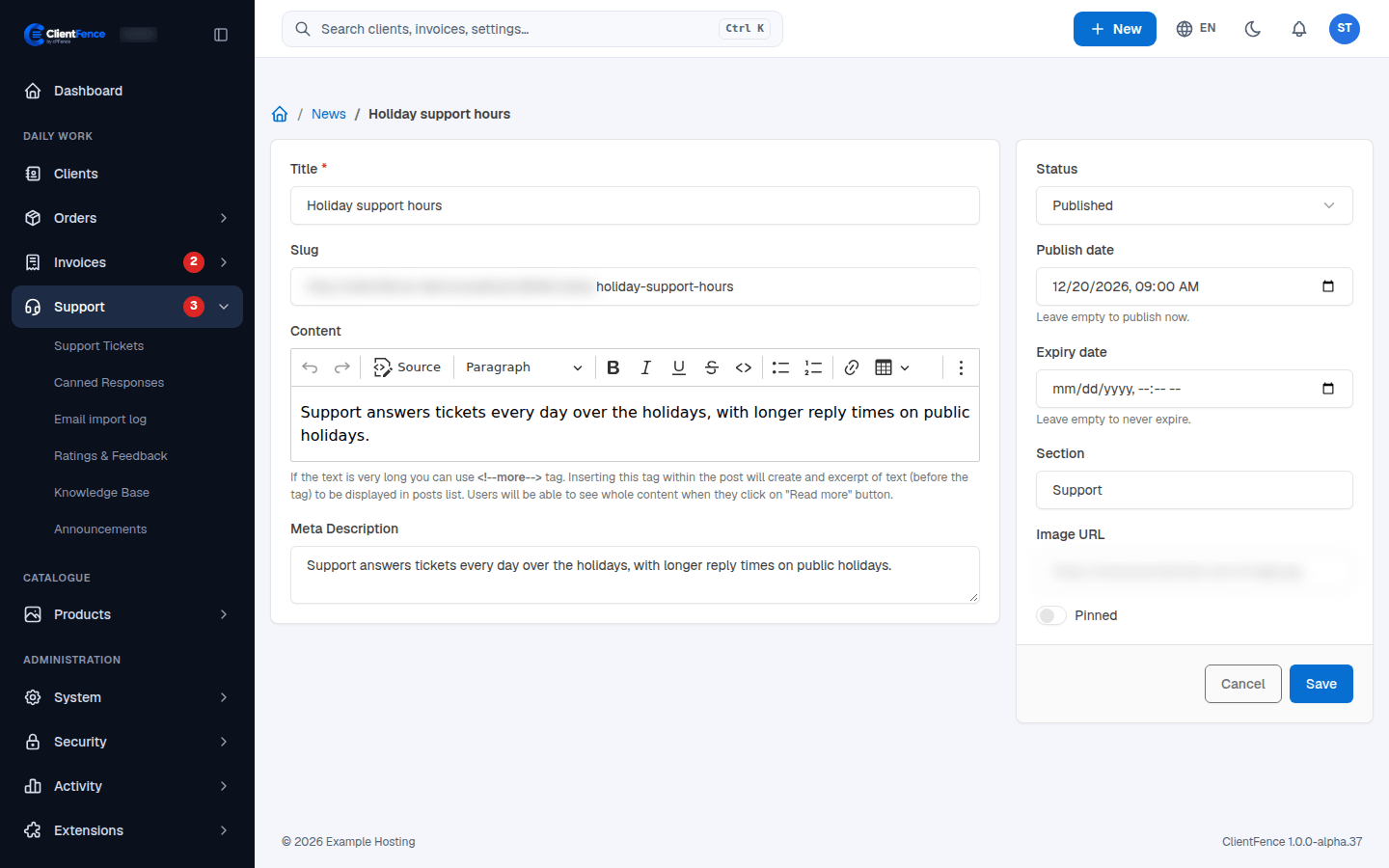
Section titled “Post an announcement”- Go to Support → Announcements and select New Announcement.
- Write a Title and the Content. The Slug (its web address) is made from the title and kept unique.
- Set the Status: Draft keeps it to staff, Published shows it.
- Optional: set a Publish date, an Expiry date, a Section, an Image URL and a Meta Description, and turn on Pinned.
- Select Create.
When clients see a post
Section titled “When clients see a post”Clients and visitors see a post only while it is Published, its publish date has passed (or is empty) and its expiry date has not (or is empty). Any other post gives “page not found” (404). The list shows each post as Published, Scheduled, Expired or Draft.
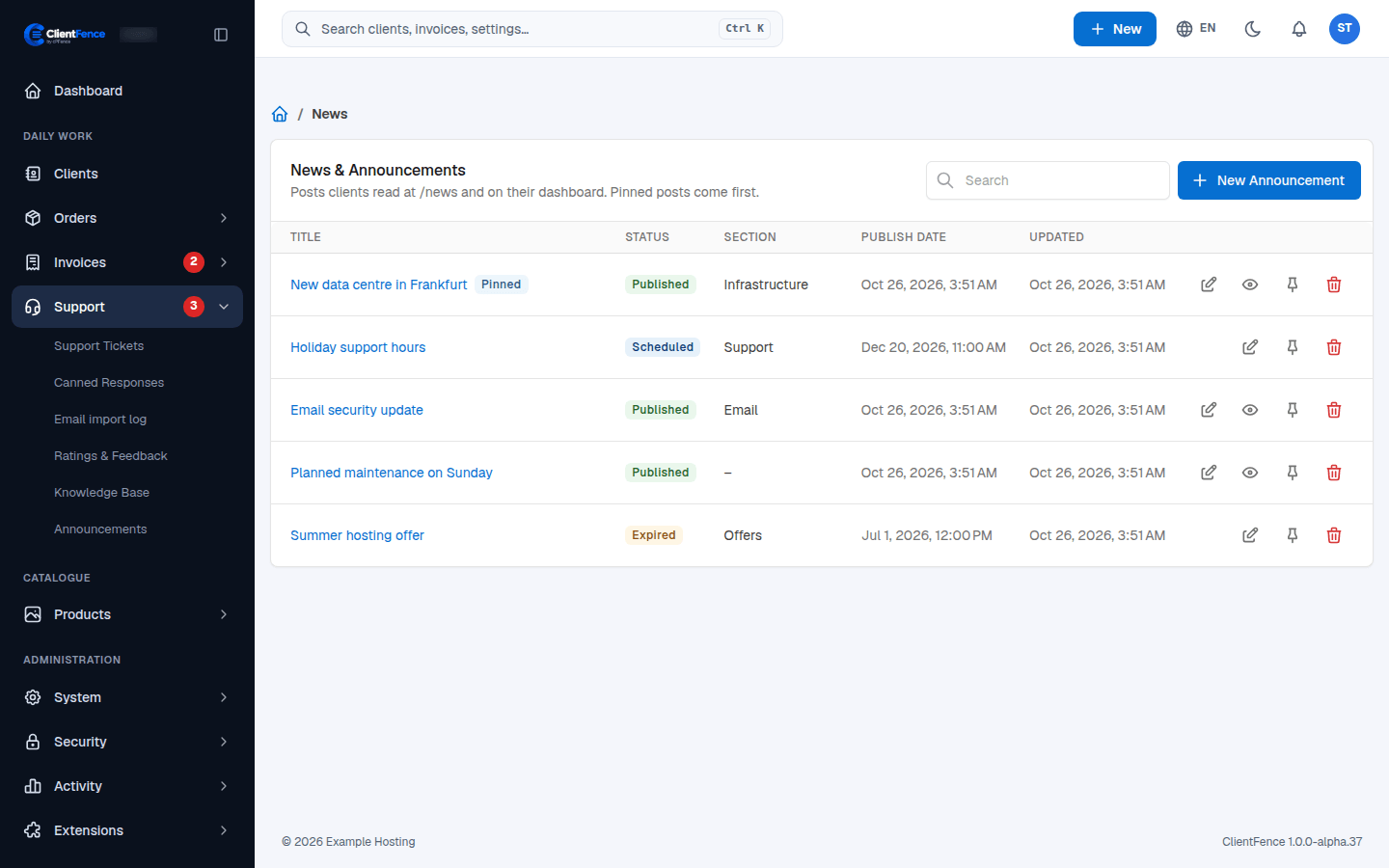
Pinned posts come first on the News page, newest first, with a Pinned badge. Use the pin button in the list to pin or unpin a post. The News page is split into pages.
Recent News on the dashboard
Section titled “Recent News on the dashboard”The client dashboard shows the latest three visible posts, pinned first, each with its title, date and a one-line excerpt. View all opens the News page. The card appears when at least one post is visible, and clients cannot close it.