

Order settings
System → Settings → Orders decides what happens to orders over time. The cron applies these rules. Change what you need and select Update.
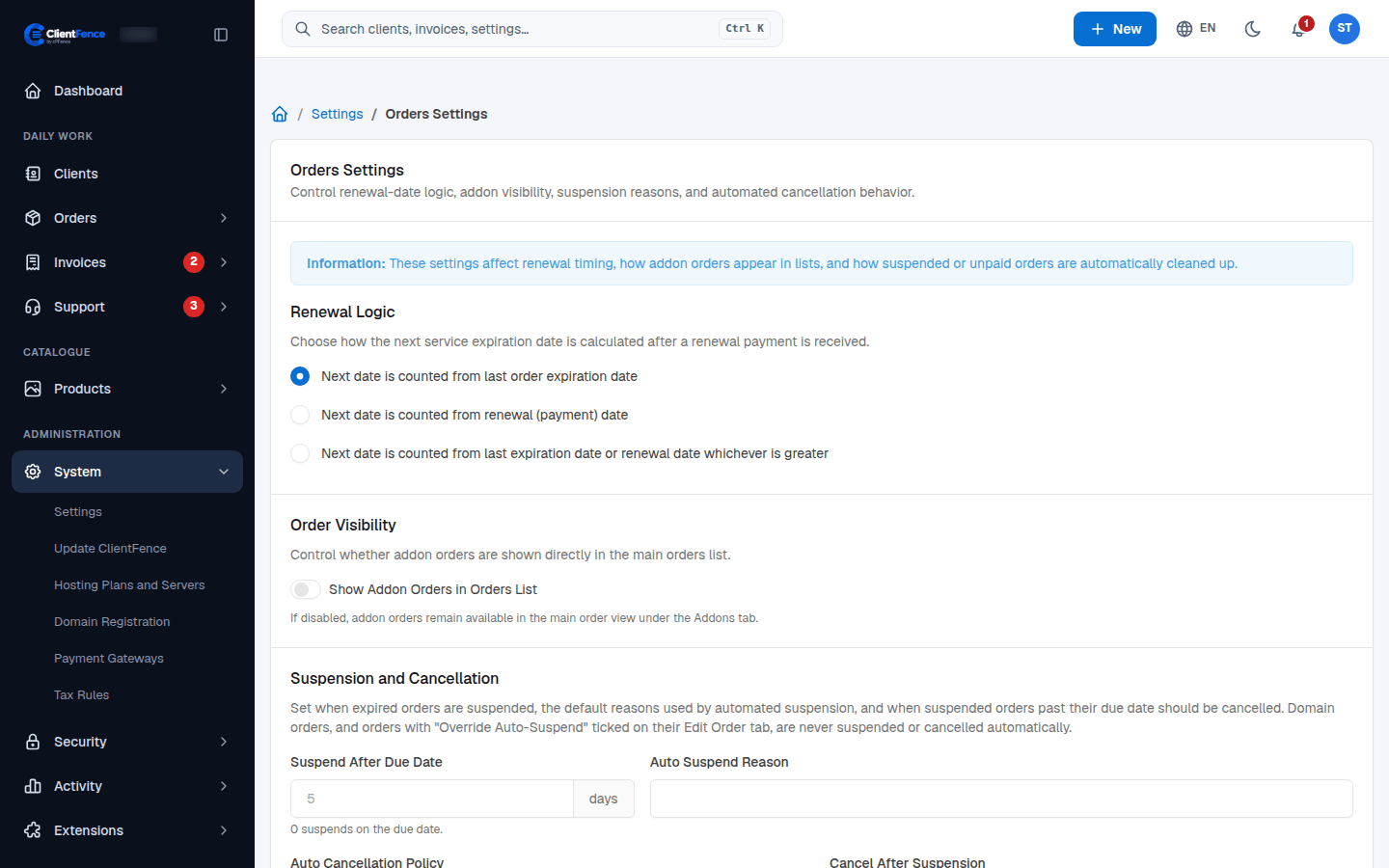
| Setting | What it does |
|---|---|
| Renewal Logic | Counts the next expiry date from the last expiry date, from the payment date, or from whichever is later. |
| Show Addon Orders in Orders List | Lists addon orders in Orders → Overview. When off, they appear on their main order’s Addons tab. |
| Suspend After Due Date | Suspends a service this many days after it expires. 0 suspends on the due date. |
| Auto Suspend Reason | The reason saved on those suspensions. |
| Auto Cancellation Policy / Cancel After Suspension | Cancels suspended, unpaid orders after this many days, or never. |
| Suspension Reasons | Reasons staff can pick when suspending an order by hand, one per line. |
| Auto Removal Policy / Remove After | Removes orders that were never paid or set up, this many days after the invoice due date. |
| Cancellation Requests | Choose whether the daily cron processes pending cancellation requests. |
| Upgrades and Downgrades | See Upgrades and downgrades. |
Domain orders and orders with Override Auto-Suspend ticked are never suspended or cancelled automatically (see Orders).
The Store setting at the bottom of the page is covered in Store and order form.