

Caching and speed
ClientFence works well with the usual PHP speed-ups. One kind of cache must stay off: a full-page cache in front of the portal.
Safe to use
Section titled “Safe to use”| Cache | Where | Notes |
|---|---|---|
| OPcache | PHP setting on the server, or the “Opcode caching” switch in your hosting panel | Recommended. It caches compiled PHP code, not pages. |
| Redis or Memcached | System → Settings → System, Cache tab, Cache Backend | Needs the PHP extension on the server. Holds settings and lookups, never whole pages. |
| Browser and CDN caching of files | Your CDN (for example Cloudflare) | Fine for images, CSS and JavaScript. |
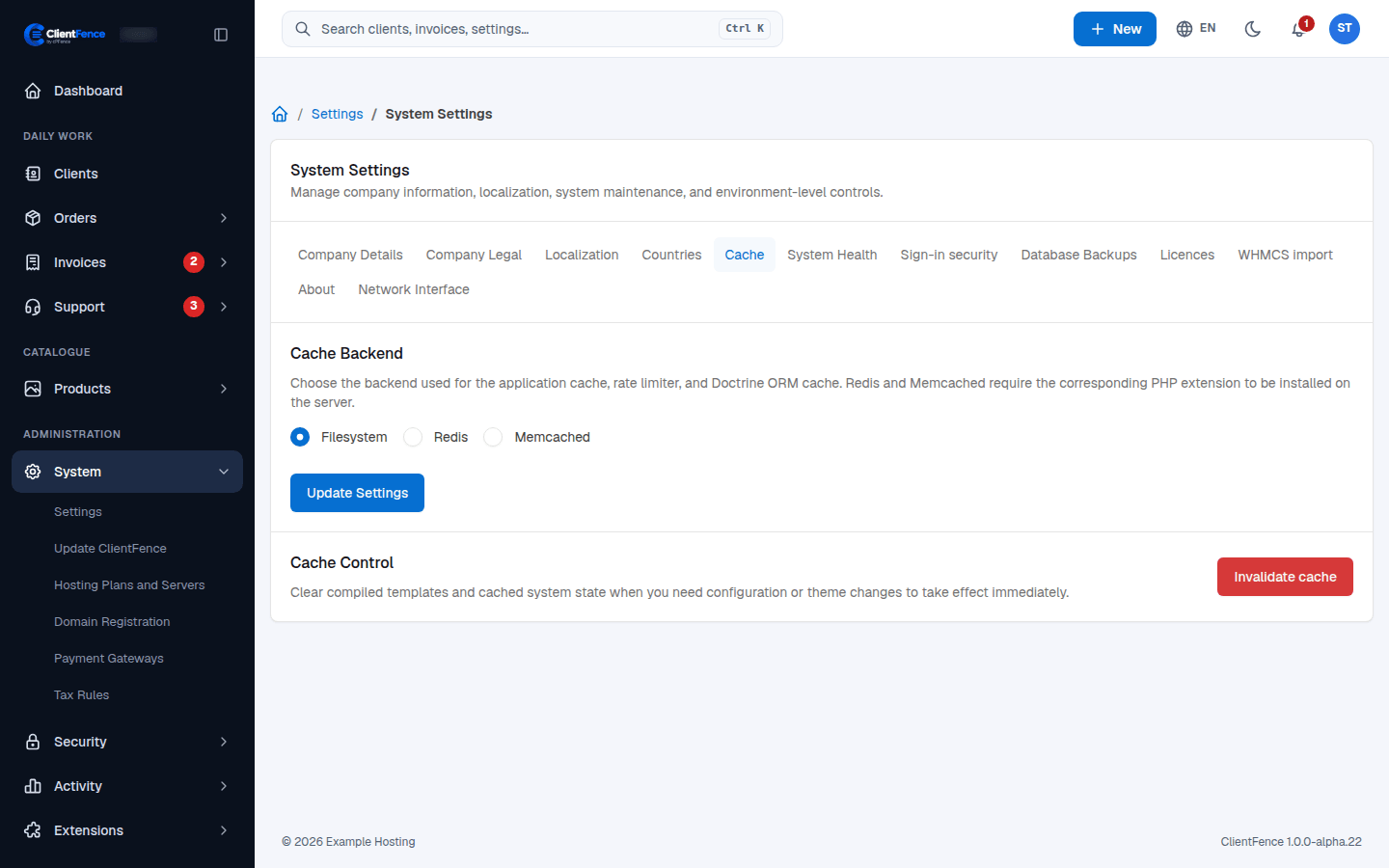
Do not cache portal pages
Section titled “Do not cache portal pages”Do not put a full-page cache in front of ClientFence pages: no LiteSpeed Cache page caching, Varnish, or CDN rules such as “Cache Everything” for the portal.
Every ClientFence page is built for one visitor at one moment. It carries that visitor’s data and a one-time security code (a script nonce) that the browser checks before it runs the page’s scripts. A cached copy would show one client’s page to another and repeat an old code, so scripts can be blocked by the security policy.
ClientFence already sends its pages with Cache-Control: no-store, so well-behaved caches
skip them. Only a cache rule that forces caching would break this.
Command line
Section titled “Command line”Run this from the ClientFence directory as the site user to clear the application cache.
php console.php cache:clear