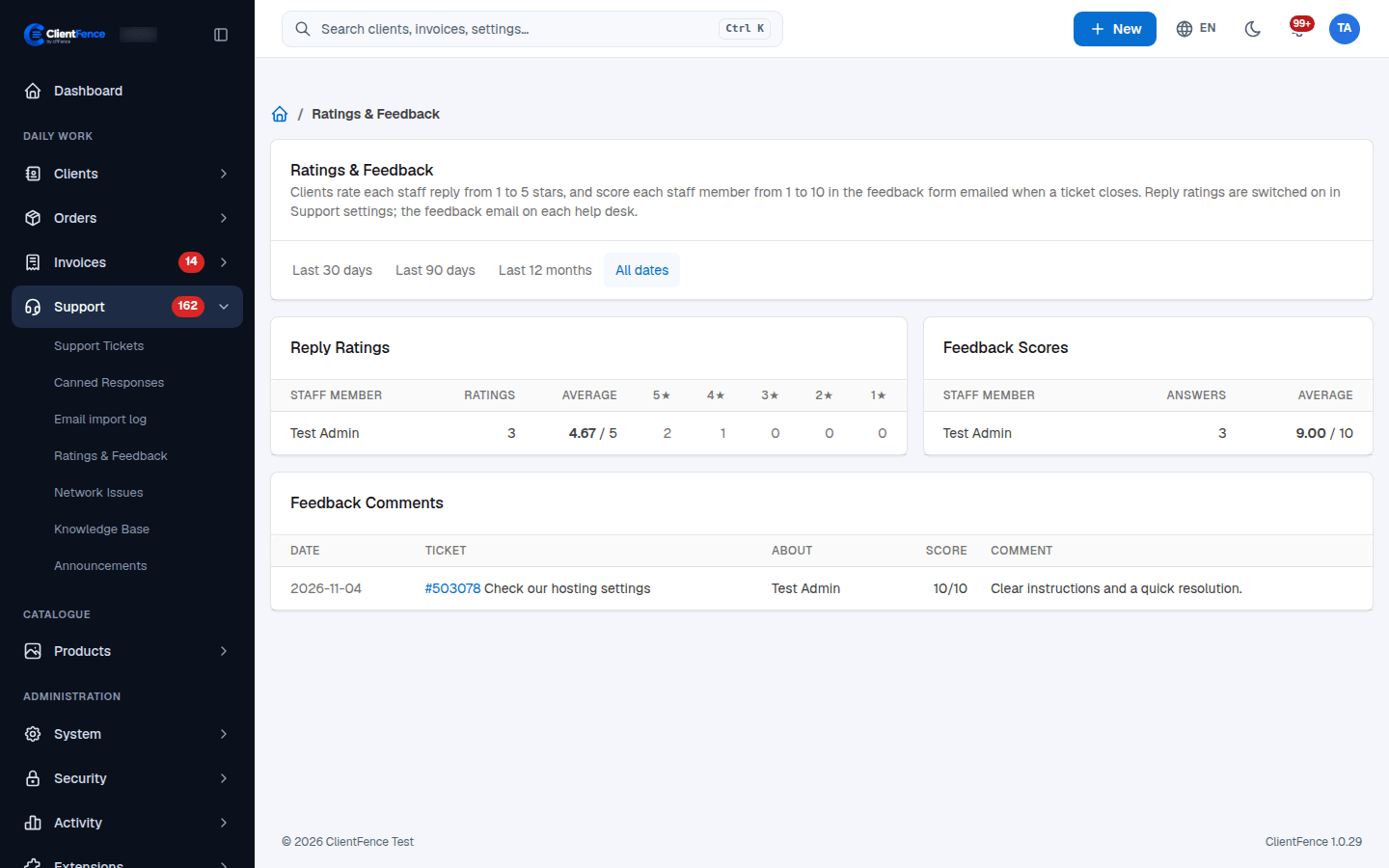
Review support ratings and feedback
ClientFence records two different measures of support quality.
| Measure | Where the client submits it | Scale |
|---|---|---|
| Reply rating | Stars beneath a staff reply on the ticket page. | 1–5 stars |
| Closed-ticket feedback | The link emailed when a ticket closes, with optional comments. | 1–10 per staff member |
- Enable reply ratings under System → Settings → Support → General → Ticket Ratings.
- Enable Feedback request on each Helpdesk that should request feedback.
- Open Support → Ratings & Feedback.
- Choose Last 30 days, Last 90 days, Last 12 months or All dates.
- Review Reply Ratings, Feedback Scores and Feedback Comments. Follow a ticket link for its context.
Keep the two scales separate when comparing results. A missing score means no response in that period, rather than a zero score.
The feedback link is specific to the closed ticket and can be submitted without signing in. Avoid sharing it in screenshots or forwarding it to people who should not answer.