

Canned responses for tickets
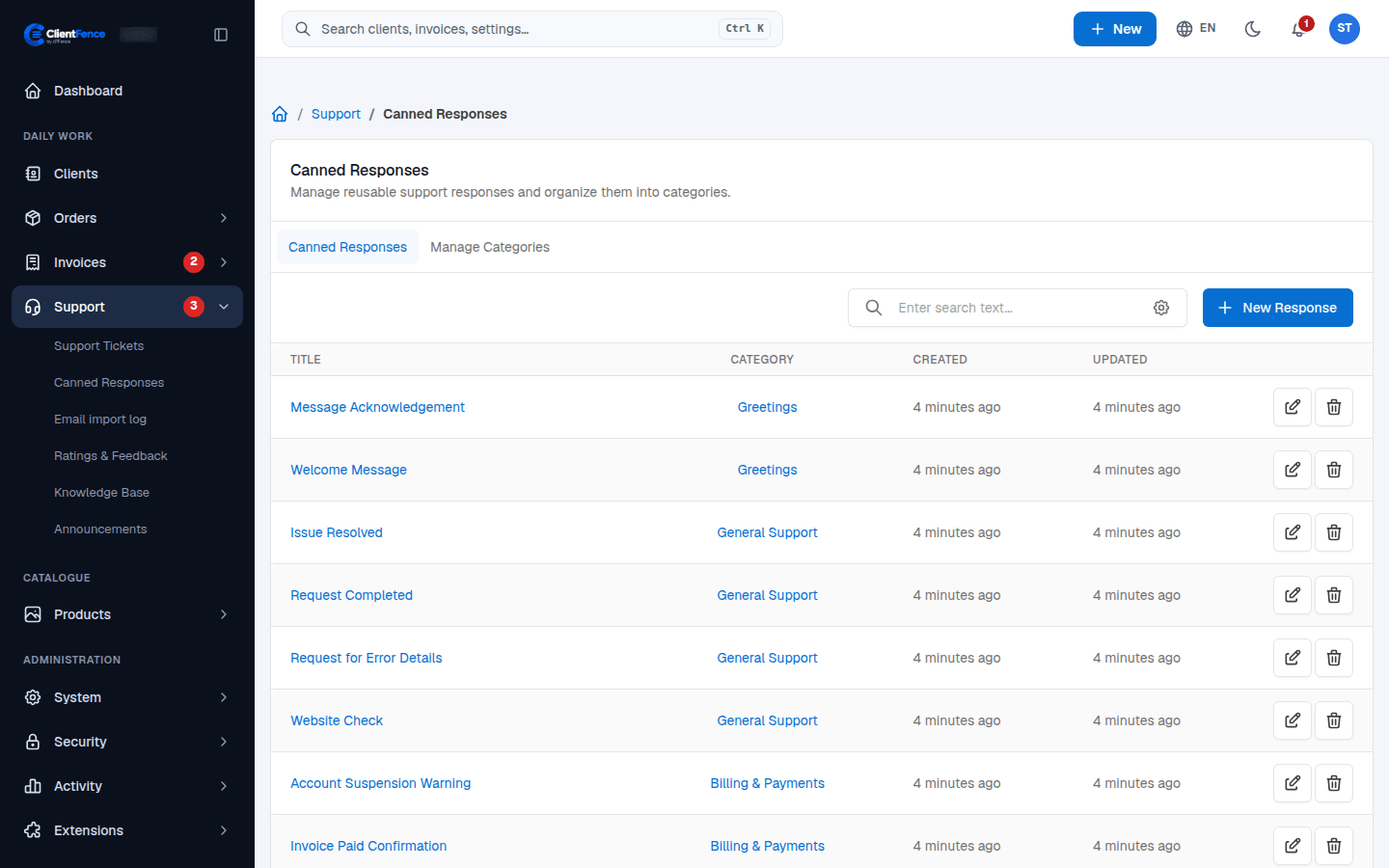
Canned responses are saved answers for questions you get often. You insert one into a ticket reply instead of typing it again.
Add a response
Section titled “Add a response”- Go to Support → Canned Responses.
- Select New Response.
- Choose a Category, give it a Title and write the Content.
- Select Create.
To change a response, select its title or the edit button on its row.
Categories
Section titled “Categories”Open the Manage Categories tab to add, rename or remove categories. In the reply box, responses are grouped by category.
Use a response in a ticket
Section titled “Use a response in a ticket”- Open the ticket.
- In the reply box, open the Canned Responses list and pick one.
- Its text replaces what is in the reply box. Edit it if needed, then select Post.