

Currencies and exchange rates
The default currency is the one you price products in and report income in. Other currencies use an exchange rate from the default one. Each client has one currency, set on the client’s Edit tab.
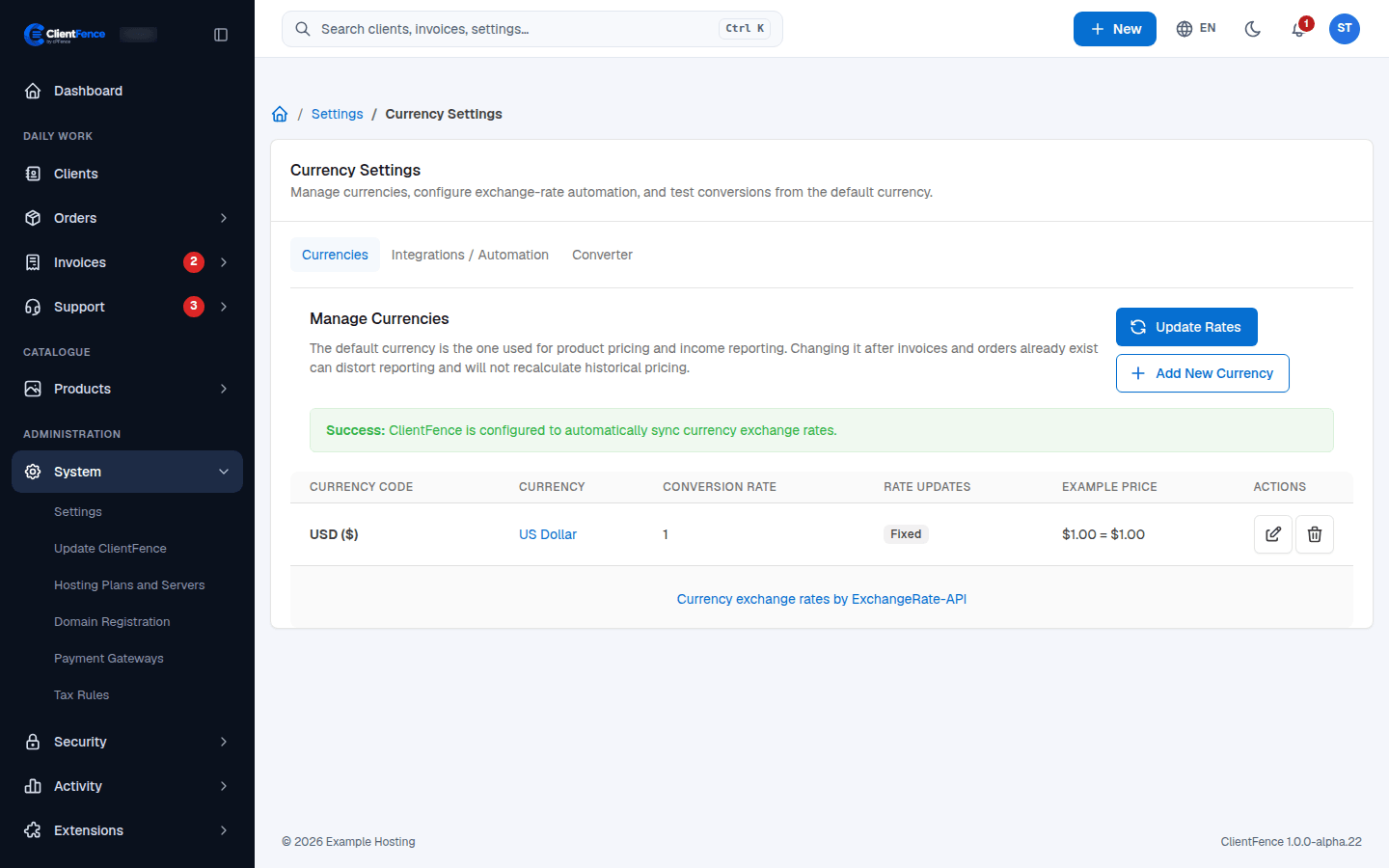
Add a currency
Section titled “Add a currency”- Go to System → Settings → Currency.
- Select Add New Currency and pick the Currency Code. Leave Conversion Rate blank to fetch the rate, then select Add.
- To make it the default, select the check mark (Set as Default) in its row.
Exchange rates
Section titled “Exchange rates”| Where | What it does |
|---|---|
| Update Rates | Fetches the latest rates now. |
| Integrations / Automation tab | Choose the rate provider and the Update Frequency. By default, ClientFence uses ExchangeRate-API (Open Access), which needs no key. Updates run with the cron. |
| Manual rate override (edit a currency) | Keeps your own rate when rates update. These show as Manual under Rate Updates. |
| Converter tab | Tests a conversion from the default currency. |
Display Formatting (Advanced) in a currency’s edit form changes only how amounts look, such as the number of decimal places.