

Quick setup for a new site
Quick setup covers the basics of a new site in eight short steps. It opens by itself the first time a Super Administrator signs in. You can open it again any time from System → Settings → Quick setup.
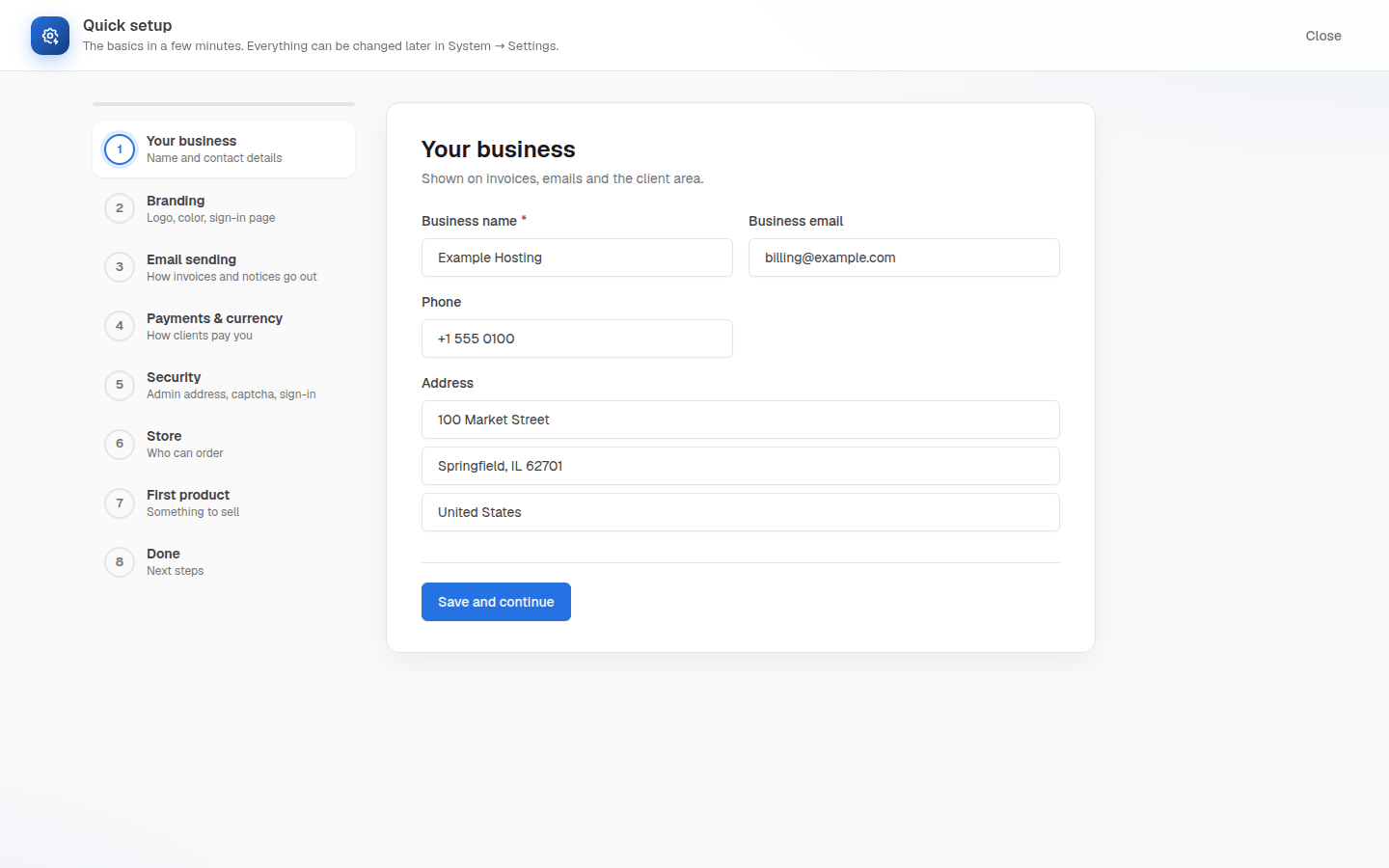
| Step | What you set |
|---|---|
| Your business | Business name, email, phone and address for invoices and emails |
| Branding | Logos, square icon, brand color and the sign-in page style |
| Email sending | An SMTP server or this server’s mail, and a test email |
| Payments & currency | Main currency, manual payment, PayPal or Stripe |
| Security | A private admin address, a captcha and staff sign-in rules |
| Store | Closed, Custom group or Open |
| First product | A name, price and billing period |
| Done | Speed checks and links to what to set next |
Select Save and continue on each step, or Skip this step. Everything can be changed later in System → Settings.
Before opening the store, place a test order, check that its invoice can be paid, and make sure the email reaches the client. See Store and checkout and Email settings.